
Free · Open source · Windows
Nilly PC Manager & Tools
Create QR codes and barcodes offline on Windows 10 or 11. Export EAN-13 barcodes as SVG for packaging and calculate DPI and bleed for print. Download the free portable app and run it from the extracted folder.
- Release
- v4.3
- ZIP size
- 153,1 KiB
- Compatibility
- Windows 10 / 11
- License
- MIT
App preview
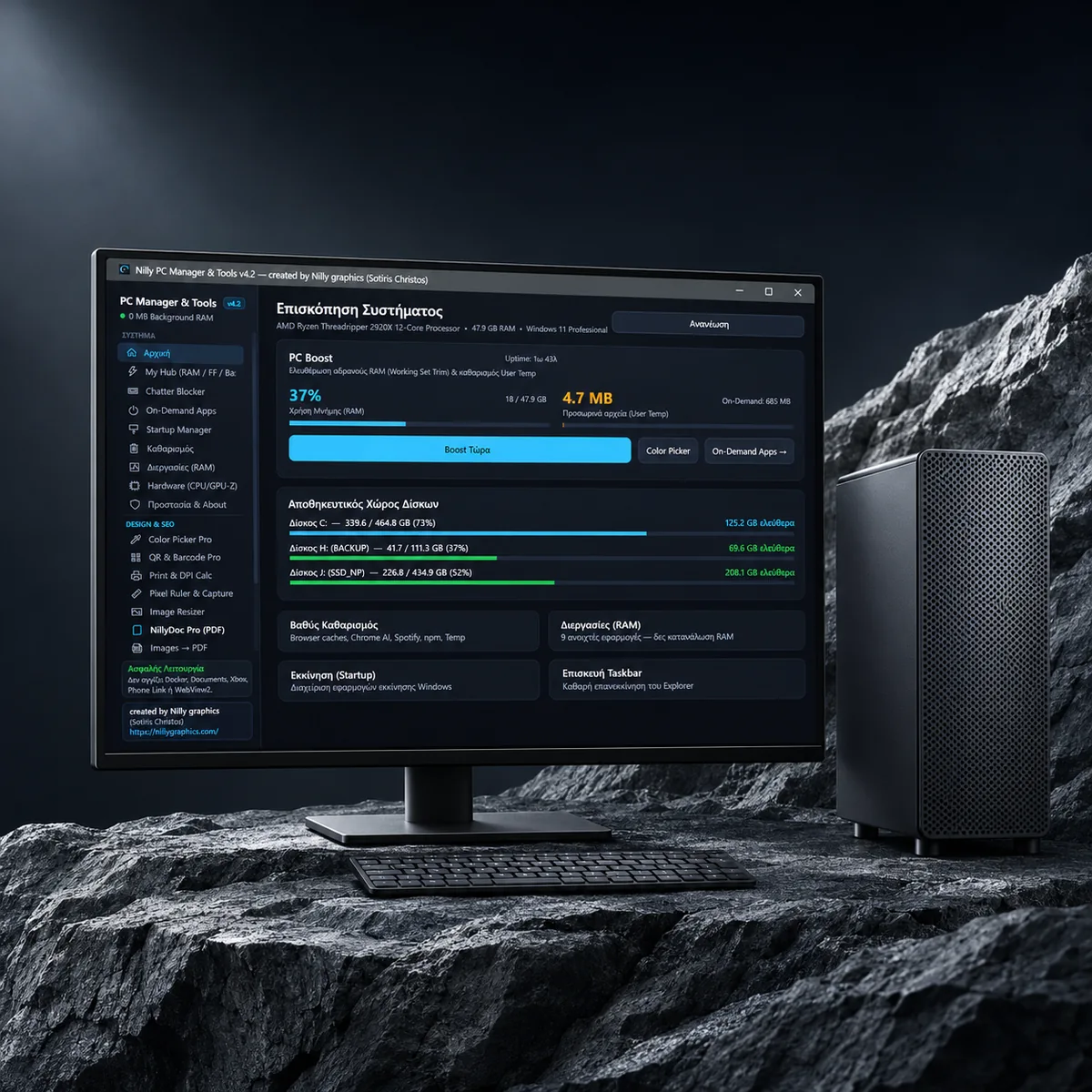
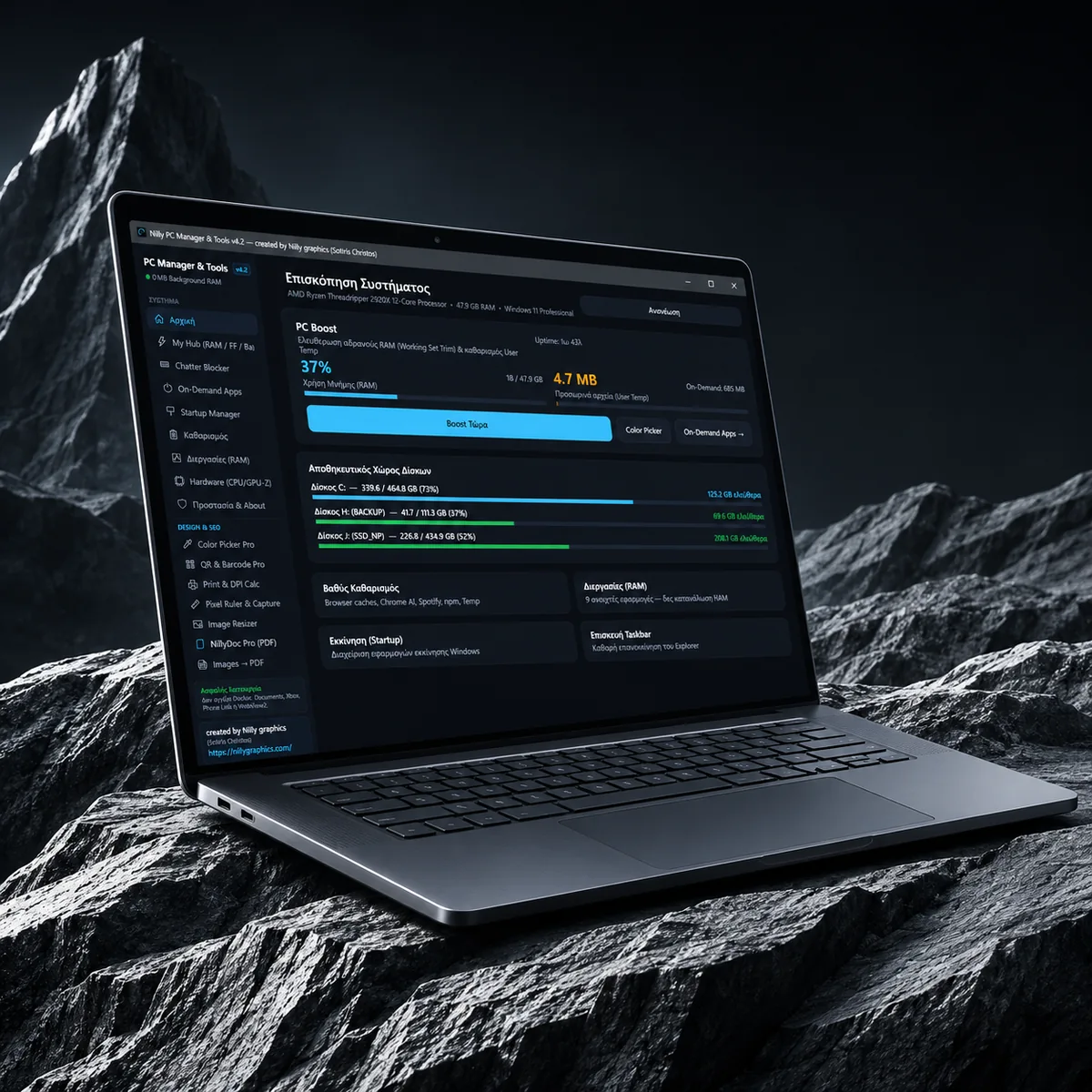
QR, barcode and print preparation tools
Offline QR and EAN-13 barcode generation
Create static QR codes for URLs, Wi-Fi and vCards, plus EAN‑13, EAN‑8, UPC and ITF‑14 barcodes. Export vector SVG for layout work or a 300 DPI PNG.
Print DPI and bleed calculator
Calculate print dimensions, DPI and 3 or 5 mm bleed before setting up artwork. Sample colours from your screen in HEX, RGB or CMYK, check contrast and measure distances in pixels.
Images, PDF and SEO
Resize images in batches or combine them in a PDF. Rename assets and turn Greek titles into Latin-script URL slugs. Preview a page title and description for search results.
PC management
Inspect CPU, memory, graphics and drive specifications. Manage processes and temporary files, pin a window on top, or filter unintended double key presses.
How to prepare an EAN-13 barcode for packaging
Select EAN-13, enter the GTIN assigned to the product, and export the barcode as SVG. Place it in your layout and preserve its proportions and blank margins. Check that it scans on a proof printed at the final size.
Getting started
- Download the ZIP and extract it to a folder on your computer.
- Open
Launch_PCManagerLite.vbsto start the application. - For an optional desktop shortcut, open
Install_Desktop_Shortcut.bat.
Verify the download
SHA-256
a621f925cd36be75df6b758434cd461214e5c5669193184674c7ca55def8c491
v4.3 release notes