How to Create an EAN‑13 Barcode in SVG for Packaging
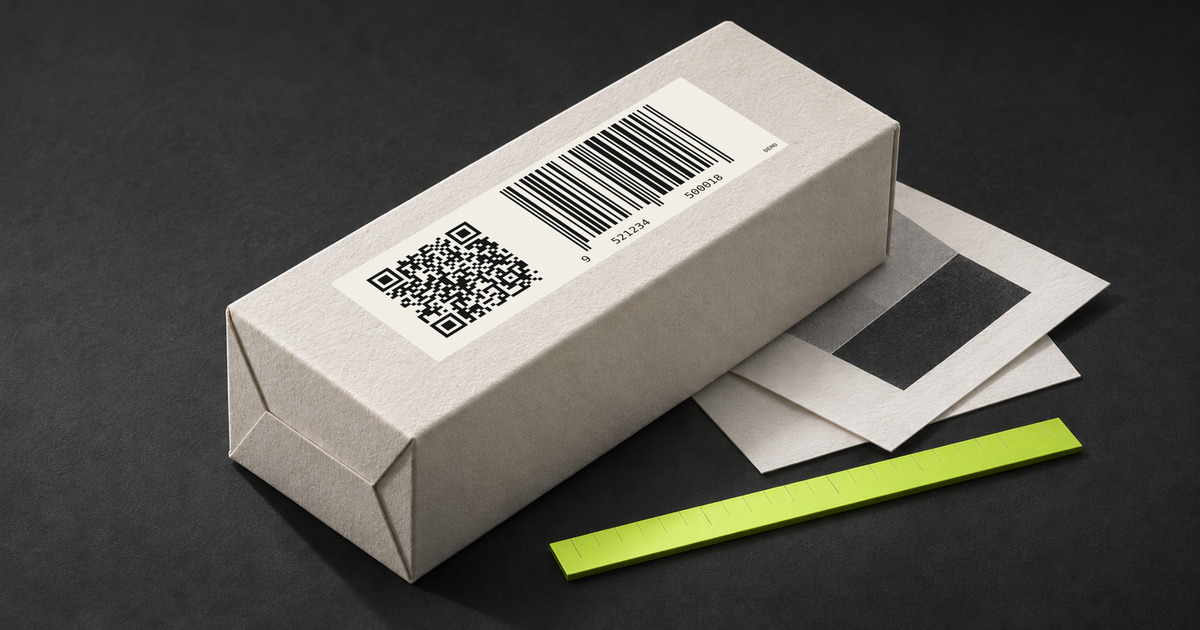
To place an EAN‑13 barcode on a label, start with the product’s GTIN‑13, export the symbol as SVG, and check it at the final packaging size. The on-screen preview helps you review the artwork. Check the printed proof separately.
1. Start with the product’s GTIN‑13
Use the number assigned to the specific product. The GTIN‑13 identifies the item, and EAN‑13 is the barcode symbol that encodes it. The tool calculates the check digit when you enter the first 12 digits and validates the final digit when you enter all 13.
2. Generate the barcode and export it as SVG
- Open Nilly PC Manager & Tools for Windows and select QR Code & Barcode Pro.
- Choose Barcode (Εκτύπωση/Προϊόν), then EAN‑13. Enter the number and click Δημιουργία (Generate).
- Check the digits in the preview, select Εξαγωγή SVG (Export SVG), then place the file in your label artwork.
3. Measure the symbol at final size
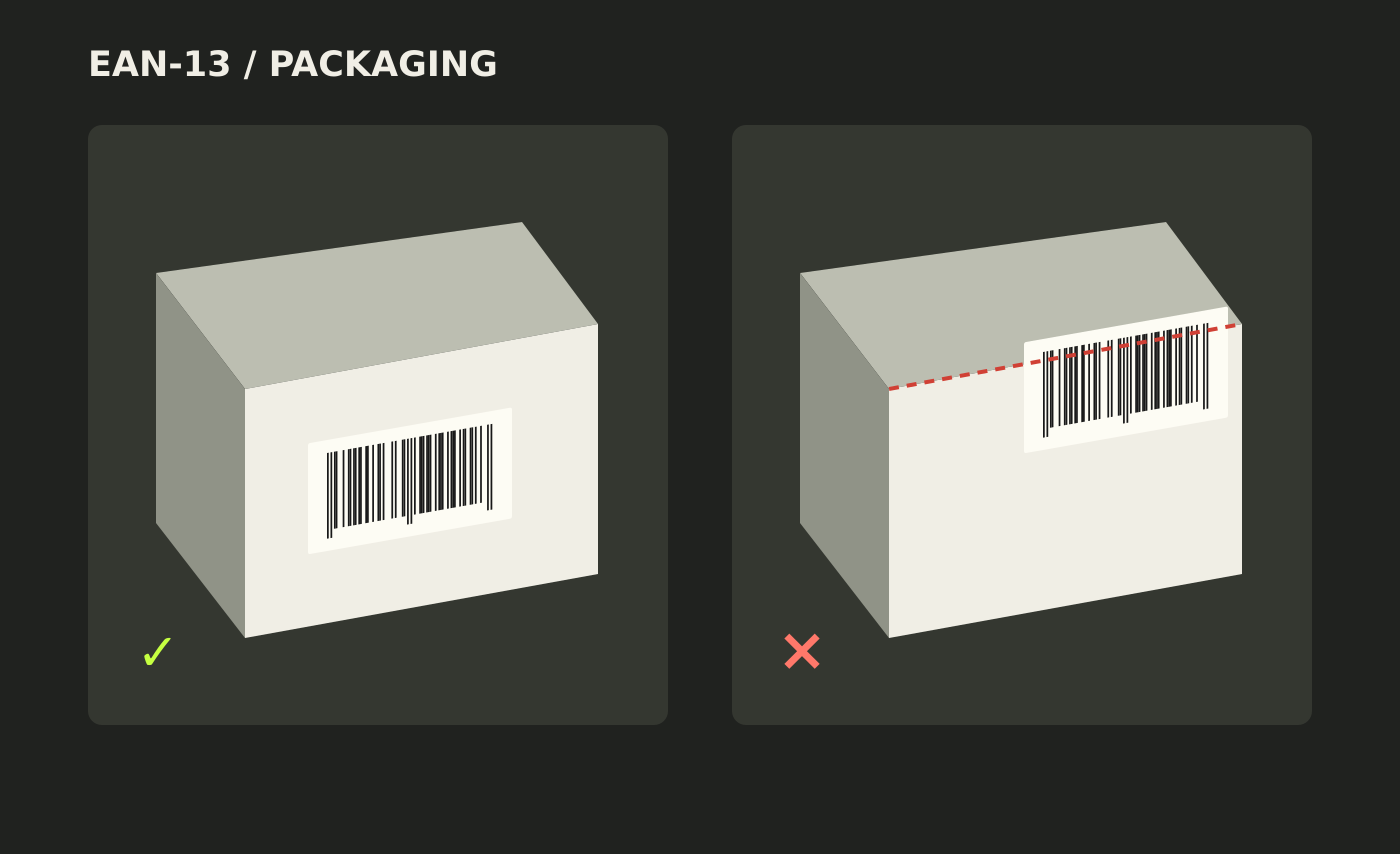
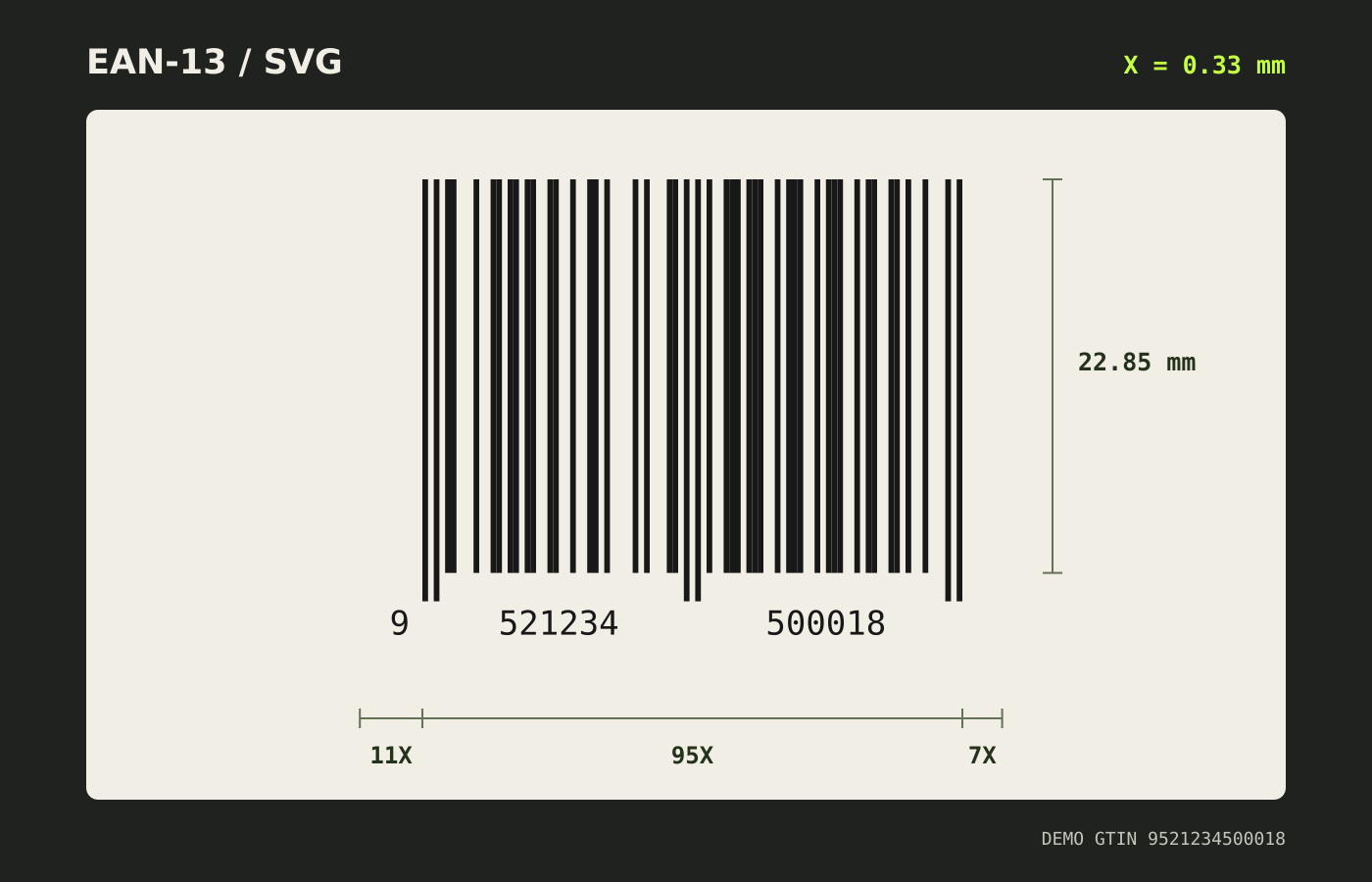
Check X, the width of the narrowest barcode module, and keep the quiet zones free of text, illustration and cut lines. For EAN‑13 at general retail point of sale, GS1 Table 5‑44 gives a target X of 0.33 mm, a corresponding minimum symbol height of 22.85 mm, and quiet zones of 11X on the left and 7X on the right. For other scanning applications, use the corresponding table in the GS1 General Specifications.
In Nilly PC Manager & Tools v4.2, the SVG’s standard bars are about 13.2 mm high at an X-dimension of 0.33 mm. Use this export to preview the layout. For the production file, ask your printer or prepress team for a symbol that meets the applicable specifications.
4. Check a printed proof
Print at actual size and check the contrast, placement and clearance from folds, seams and cut lines. Scan a printed sample before production. Where formal verification is required, have the print checked with a barcode verifier. GS1 barcode quality checklist.
For help placing the barcode alongside the rest of the artwork, see the label and packaging design service.