Skip to content
NILLY NG 28 CCORPORATE AI TRAININGAll projects

CORPORATE AI TRAINING / LIVE ONLINE / IN GREEK

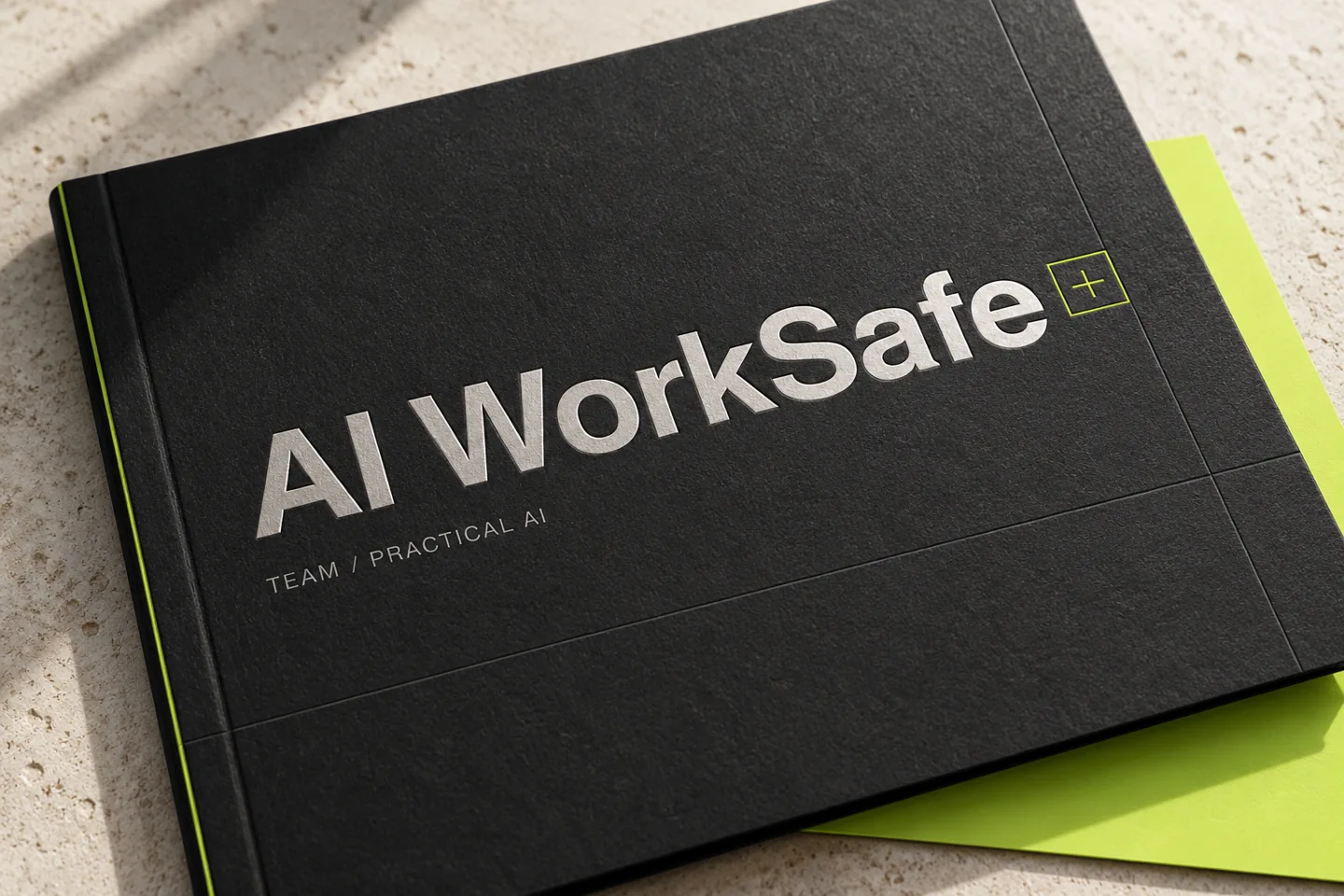
AI WorkSafeEmployee AI & ChatGPT training

Practical AI and ChatGPT training for marketing, content, design and e-commerce teams. Live online sessions in Greek, three agreed workflows, reusable templates and follow-up with Sotiris Christos / Nilly Graphics.

Request team training
NG 28 C / AI WorkSafeDESIGN BY NILLY GRAPHICS
AI WorkSafe — Employee AI & ChatGPT training
PROGRAMME
From €199 + VAT · 2 hours per person
TRAINER
Sotiris Christos / Nilly Graphics
FORMAT
Online · In Greek · Follow-up

01 / EMPLOYEE AI TRAINING

Practical AI and ChatGPT workshops for businesses

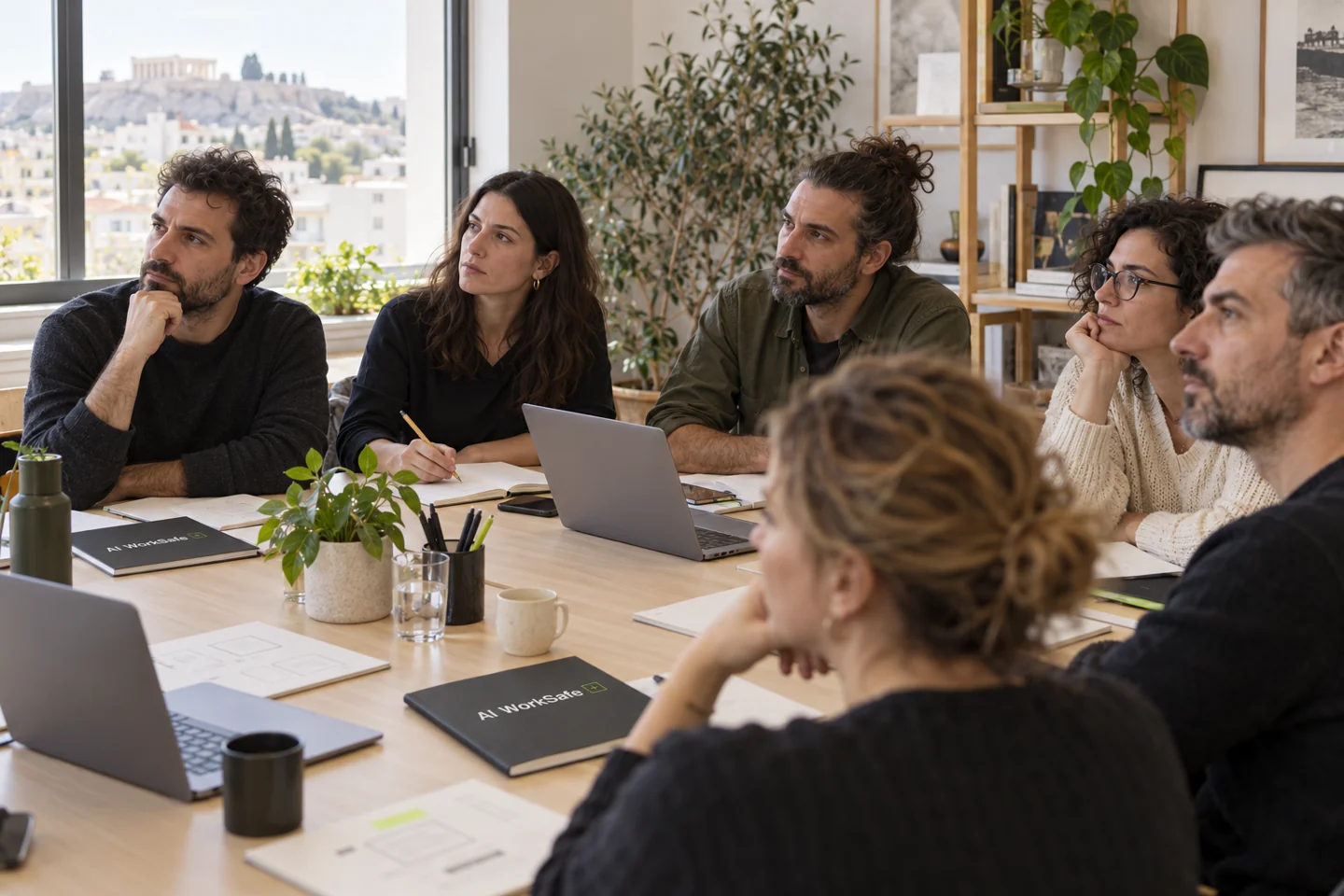
AI WorkSafe helps employees use ChatGPT or an agreed company-approved AI assistant for everyday tasks. The training covers clear instructions, appropriate data use and human review of drafts. In an initial 30-minute conversation, we agree three tasks relevant to your business. Workshop covers up to 10 people in one two-hour session. Teams covers up to 20 across two sessions; Company provides a tailored plan for larger teams.

AI WORKSAFE / VISUAL SYSTEMCONCEPT / 2026

AI WorkSafe

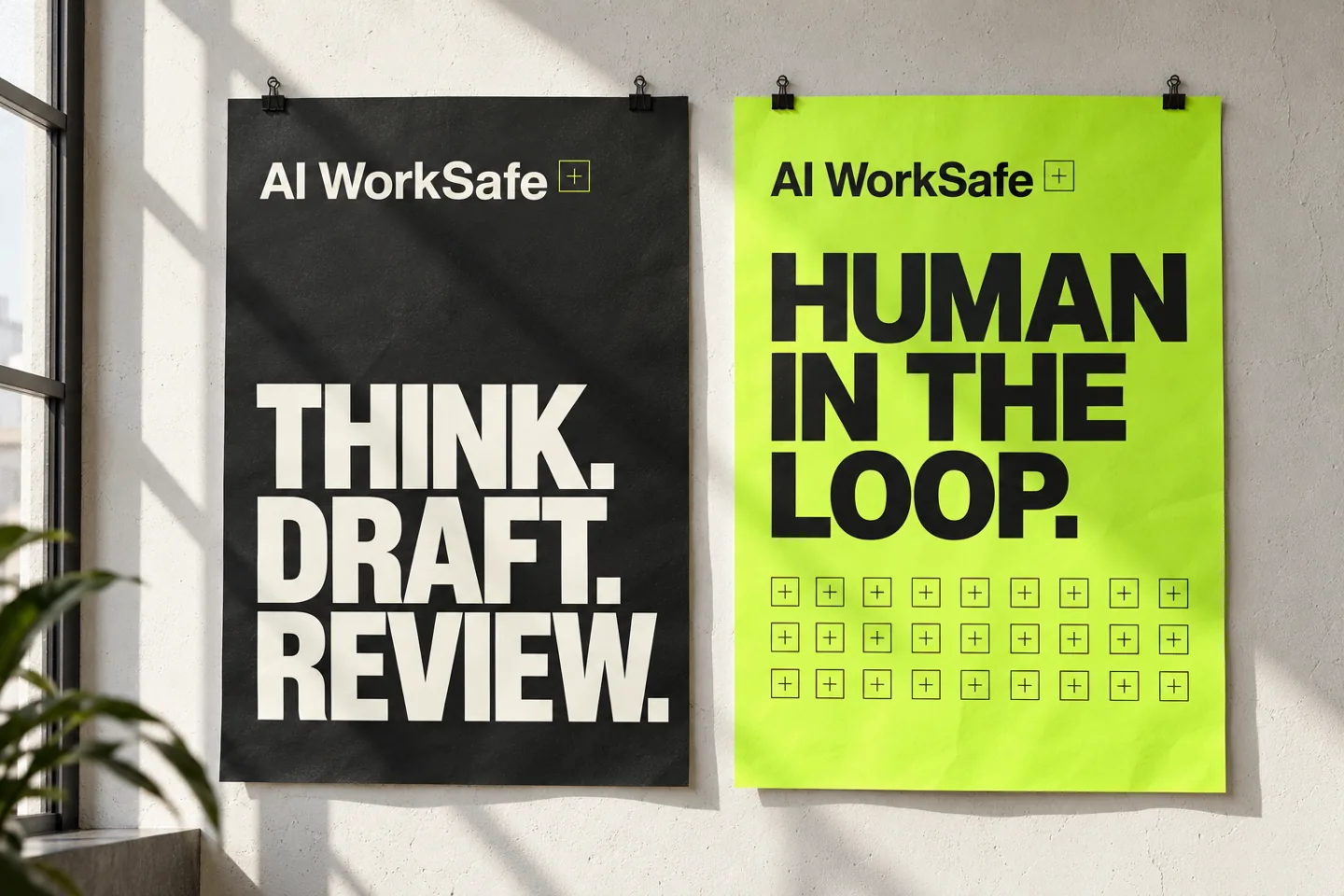
AI at work.
With a method.

CHARCOAL / #191C19
PAPER / #F4F3EC
LIME / #C5FF41

SERVICE DESIGN / 01

One shared method.
Before, during, after.

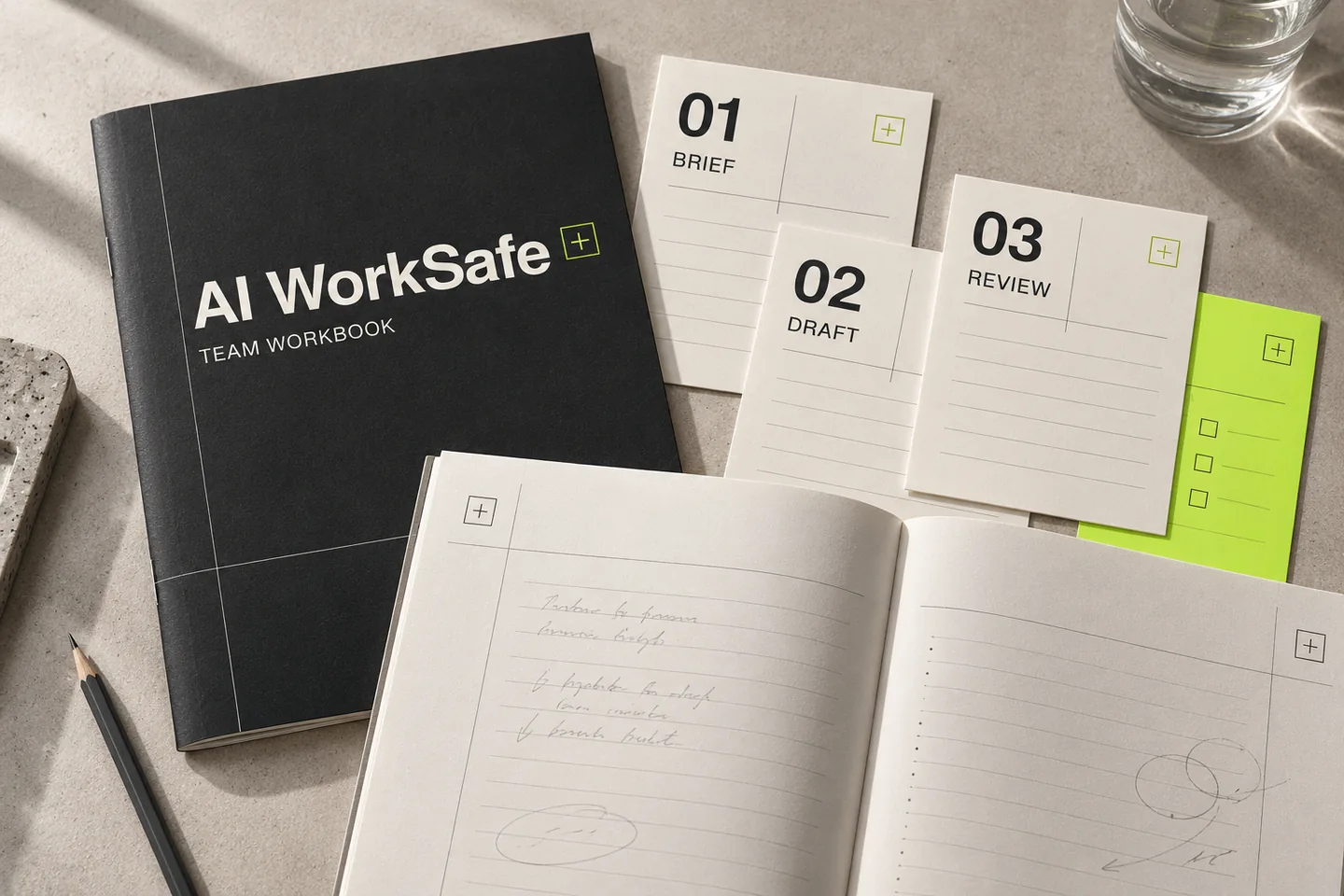
The service is designed around a small team, three agreed tasks and materials that can be used after the workshop.

  1. 01 / BEFORE30′

    Understand the work.

    Map needs, tools and experience. Choose three tasks that are useful to the team.

  2. 02 / DURING120′

    Work through it.

    A proposed live Greek-language online workshop for up to 10 people, with examples, exercises and a shared checklist.

  3. 03 / AFTER14days

    See what was applied.

    A planned 30-minute follow-up about two weeks later, to discuss difficulties and improvements.

Want these workflows in your own team? Let’s discuss the employee training you need.

Request a company proposal ↗

INTERACTIVE SAMPLE / 02

The output
goes through you.

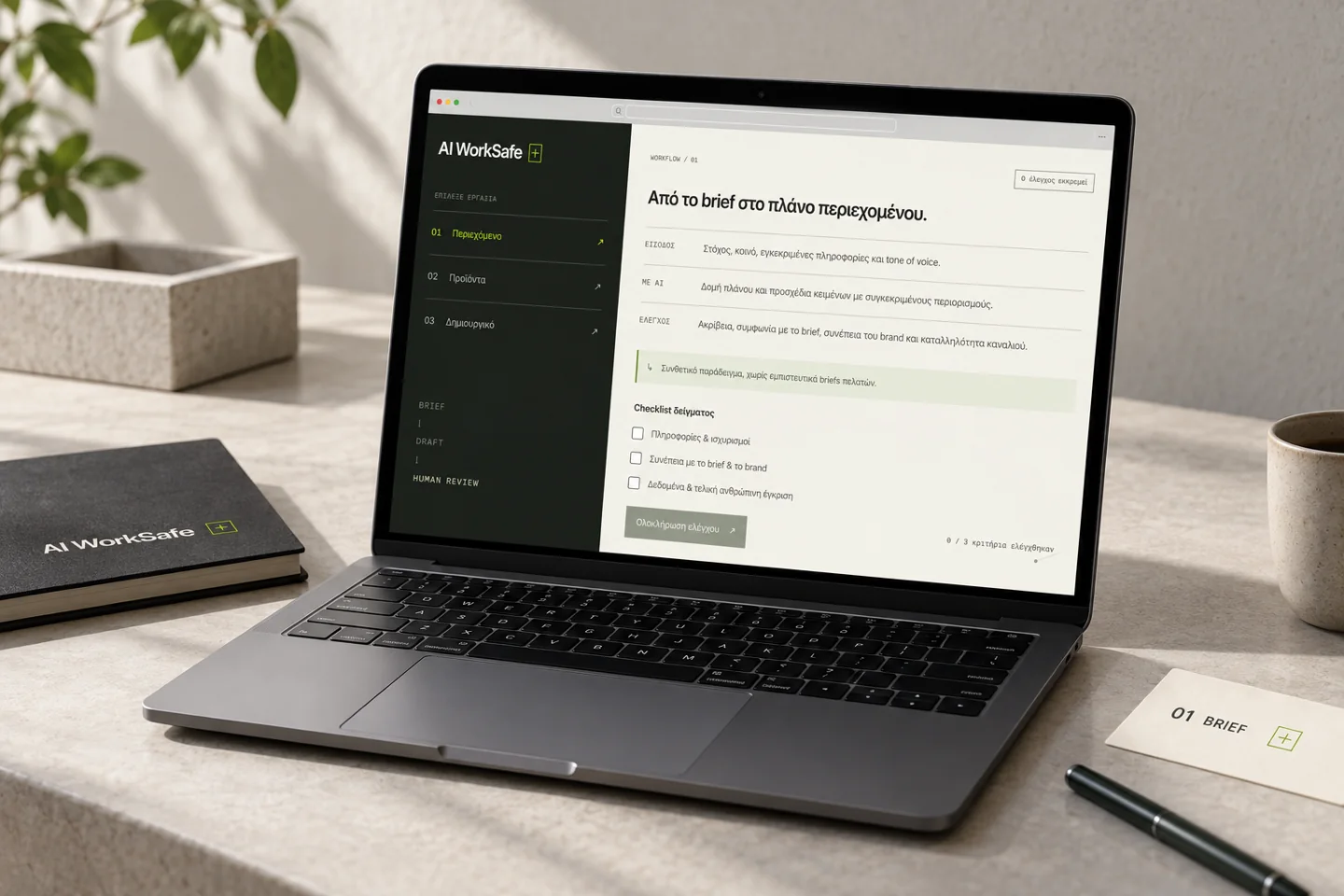
Choose a workflow and follow the path from brief to human review. Open the brief, change the input, edit the example draft and complete the review. The simulation uses templates and is not connected to an AI model.

AI WORKSAFE / WORKFLOW STUDIODEMO
WORKFLOW / 01Review pending

From the brief to a content plan.

INPUT
Goal, audience, approved information and tone of voice.
WITH AI
A structured plan and copy drafts with specific constraints.
REVIEW
Accuracy, alignment with the brief, brand consistency and channel suitability.

A synthetic example, without confidential client briefs.

Sample checklist
0 / 3 criteria reviewed
WORKFLOW / 02Review pending

From specifications to a clear description.

INPUT
Confirmed product features and specifications.
WITH AI
A description draft with a consistent structure and catalogue voice.
REVIEW
Compare with the specifications. Remove invented features and unsupported claims.

Unknown information stays unknown; AI does not fill in the gaps.

Sample checklist
0 / 3 criteria reviewed
WORKFLOW / 03Review pending

From an idea to a creative direction.

INPUT
Communication goal, brand identity and project constraints.
WITH AI
Alternative ideas and structured briefs for visual exploration.
REVIEW
Creative relevance, visual errors, brand consistency and rights issues needing review.

Creative selection and final approval stay with the designer.

Sample checklist
0 / 3 criteria reviewed
AI WorkSafe is a pilot employee AI training programme. The final proposal is tailored to your team and confirmed in writing before an engagement.

02 / WORKSHOP & DELIVERABLES

What the employee training includes

The two-hour workshop uses examples and exercises around content planning, product descriptions or creative direction, selected to fit the team. The agreed package includes three workflows with templates, a practical usage guide, a review checklist, exercises and participation records. The material gives employees a common structure for briefing AI and checking output before delivery. Tool subscriptions, production automation and application development are scoped separately.

03 / TRAINER & FOLLOW-UP

From the workshop to everyday work

The programme is led by Sotiris Christos, Graphic / Web Designer and AI Specialist at Nilly Graphics, combining creative practice with teaching experience. A planned 30-minute follow-up about two weeks after the workshop reviews what the team applied, where it struggled and what needs refining. AI WorkSafe is offered at pilot stage: scope, availability, deliverables and final fee are agreed in a written company proposal. The examples and mockups illustrate the method and proposed training materials. Read the trainer’s background on the Nilly Graphics About page.

COMPANY TRAINING PACKAGES

Built around
your team.

A small team or the whole company: training is organised into groups with time for practice and questions. Each participant attends two hours.

01 / ONE GROUP

Workshop

Up to 10 people

€199+ VAT

One two-hour online workshop

  • 3 agreed workflows within one focus area
  • Templates, practical guide and review checklist
  • 30-minute follow-up about two weeks later

For 11–15 people: +€19.90 + VAT per extra participant in the same session.

Enquire about Workshop

03 / MULTIPLE GROUPS

Company

21+ participants

Tailored
proposal

A plan for your whole company

  • Two-hour groups based on participant numbers
  • Agreed programme, materials and workflows
  • 30-minute follow-up per group

Example: 50 people in 5 two-hour groups of 10, with a shared programme: €899 + VAT.

Plan your company training

Prices cover live online training delivered in Greek and exclude VAT and tool subscriptions. Different programmes per group, on-site training and automation development are quoted separately. Scope, dates and the final fee are confirmed in writing before an engagement.

USEFUL ANSWERS

Before we train
your team.

Who is employee AI training for?

Small marketing, content, design and e-commerce teams looking for a shared approach to everyday AI tasks. The initial conversation sets the level and the three workshop tasks.

Is the company training delivered online?

Yes. Training is live online and delivered in Greek. Workshop covers up to 10 people in one two-hour session. Teams covers up to 20 people in two two-hour groups, while larger teams are split into further groups. Each participant attends two hours.

What does it cost and how are extra participants charged?

Workshop costs €199 + VAT for up to 10 people. Participants 11 to 15 cost an additional €19.90 + VAT each in the same session. Teams costs €369 + VAT for up to 20 people across two groups. For 21 or more participants, we provide a company proposal based on the groups and content.

Does the training cover ChatGPT?

Yes. We practise clear instructions and draft review in ChatGPT or another agreed company-approved AI assistant. Examples can include content plans, product descriptions and creative briefs. The company provides accounts and any required tool subscriptions.

What do employees need to participate?

Basic familiarity with an AI assistant, a computer and access to a company-approved tool. The company provides accounts and any required tool subscriptions.

What does the team receive after the workshop?

Three agreed workflows with templates, a practical usage guide and a review checklist. The programme includes exercises, participation records and a planned 30-minute follow-up about two weeks later.

Do we need to share client files?

No. Exercises can use synthetic or suitably anonymised examples. The enquiry form only needs a short description of your need, without confidential files or client data.

Is this official certification or an automation project?

AI WorkSafe focuses on practical staff training and workflows. It is not official certification, legal advice or a compliance guarantee. Application development, agents and production automation are scoped separately.

CORPORATE AI TRAINING

Train
your team.

Tell us what your business does, how many people would attend and which tasks you want AI support with. We will discuss a suitable programme and provide a tailored company proposal.

Sotiris Christos
Nilly Graphics · Graphic / Web Designer & AI Specialist

Meet your trainer ↗info@nillygraphics.com ↗+30 6976 711730 ↗Thessaloniki · Online training across Greece

A short description is enough. Please leave out confidential files and client data.

Your enquiry is stored privately by Nilly Graphics so we can review and respond to it.

This is a request for a discussion and proposal, not a booking or purchase.

NEXT PROJECT / NG 27 CReVolt EnergyProduct concept, branding & UX

Interactive art / Physical computingIndependent research · 2026

PROMPTLESS

Physical Interfaces for Human–AI Visual Co-Creation

What if you could touch AI instead of prompting it?

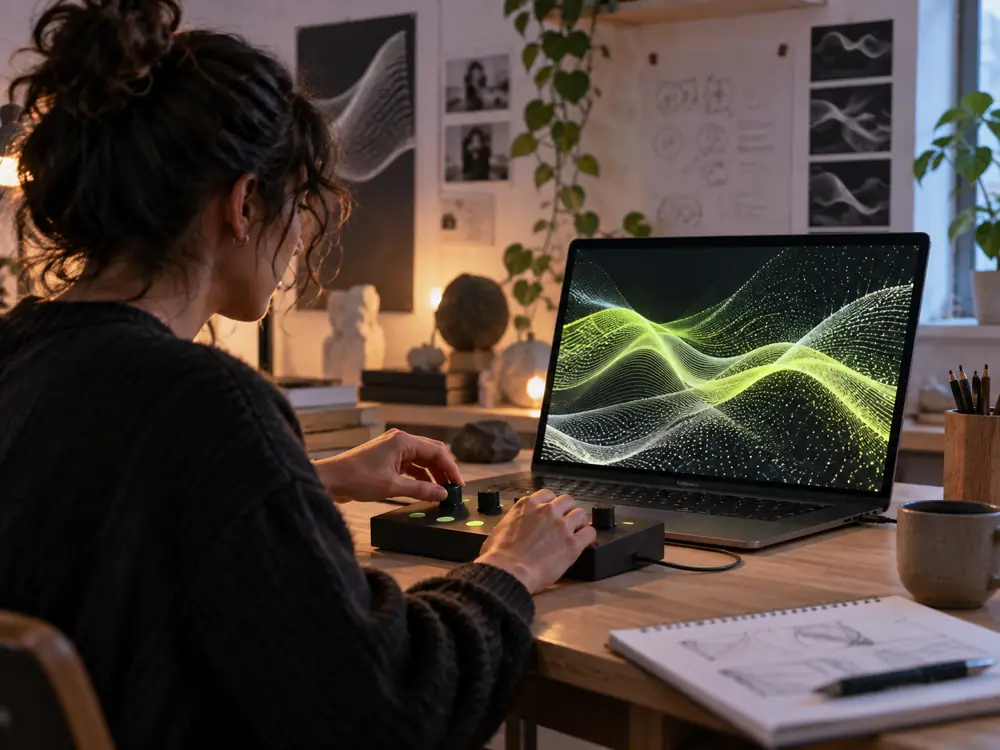
PROMPTLESS is an interactive media-art project in which knobs, buttons, switches and sensors shape an evolving visual system. Participants use touch, rhythm and continuous adjustment to influence what they see. The work explores the relationship between human intention, computational behaviour and AI-assisted visual material.

Illustrative concept of a participant using a tactile controller to shape a visual field on a screen
01 / Tactile interaction. AI-generated concept visual extracted from the project proposal.
01 / The proposed interaction

A physical action.
An immediate visual response.

Each movement changes a visible parameter: spatial arrangement, density, speed or distortion. Participants can explore the system through repeated gestures and observe how their decisions transform the visual field.

The proposed physical controller connects to a browser-based generative engine. Optional light or ambient-sound sensors can also bring the surrounding environment into the work.

AI-assisted material forms a separate visual layer. Its updates are handled independently of the continuous rendering, so model processing does not interrupt the immediate response to physical input.

  1. Touch

    Turn knobs, press buttons or change a switch on the physical controller.

  2. Translate

    An ESP32 or Arduino sends input over USB serial, mapping each gesture to a visual parameter.

  3. Respond

    The browser engine continuously changes the composition, movement and visual behaviour.

  4. Experience

    A screen or projection makes the response visible. The participant adjusts again, shaping the next state.

02 / A tactile visual language

Small adjustments.
Different possibilities.

The controller is intended to make the connection between action and outcome easy to explore. Its precise mappings and control ranges will be refined through prototype testing.

The research asks how embodied interaction changes a participant’s sense of agency, authorship and understanding of an AI-assisted creative process.

Intended control map
CompositionSpatial arrangement
ComplexityDensity and visual detail
MovementSpeed and rhythm
DistortionDeformation and variation
Human / AIBalance with AI-assisted material
03 / Shared exploration
Illustrative concept of a small group testing the tactile interface with a projected visual field
02 / Community testing. AI-generated concept visual extracted from the project proposal.

The audience becomes
part of the research.

The project is designed to develop through open studio sessions, hands-on exchanges and public testing. Participants can try the interface and discuss what feels intuitive, surprising or unclear.

These exchanges will help refine the relationship between physical gesture and visual response, while opening a conversation about how authorship is shared between a person and an AI-assisted system.

04 / Current stage & live study

Concept developed. Physical prototype in development.

The first working physical controller has not yet been built. The next phase connects the hardware, generative visuals and AI-assisted material, then tests the experience with participants.

The live website is a procedural browser study of the visual response. Visitors can adjust composition, density, movement and distortion, scroll into the particle field and capture a visual state. Hardware and AI-assisted image integration are planned for the physical prototype.

RETAINLet’s talk
A NEW PERSPECTIVE ON RENOVATIONEARLY-STAGE VENTURE / 2026

Better spaces.
Fewer replacements.

Before choosing something new,
understand what’s already there.

Explore the concept

An evidence-led workspace for
architecture & interior-design studios.

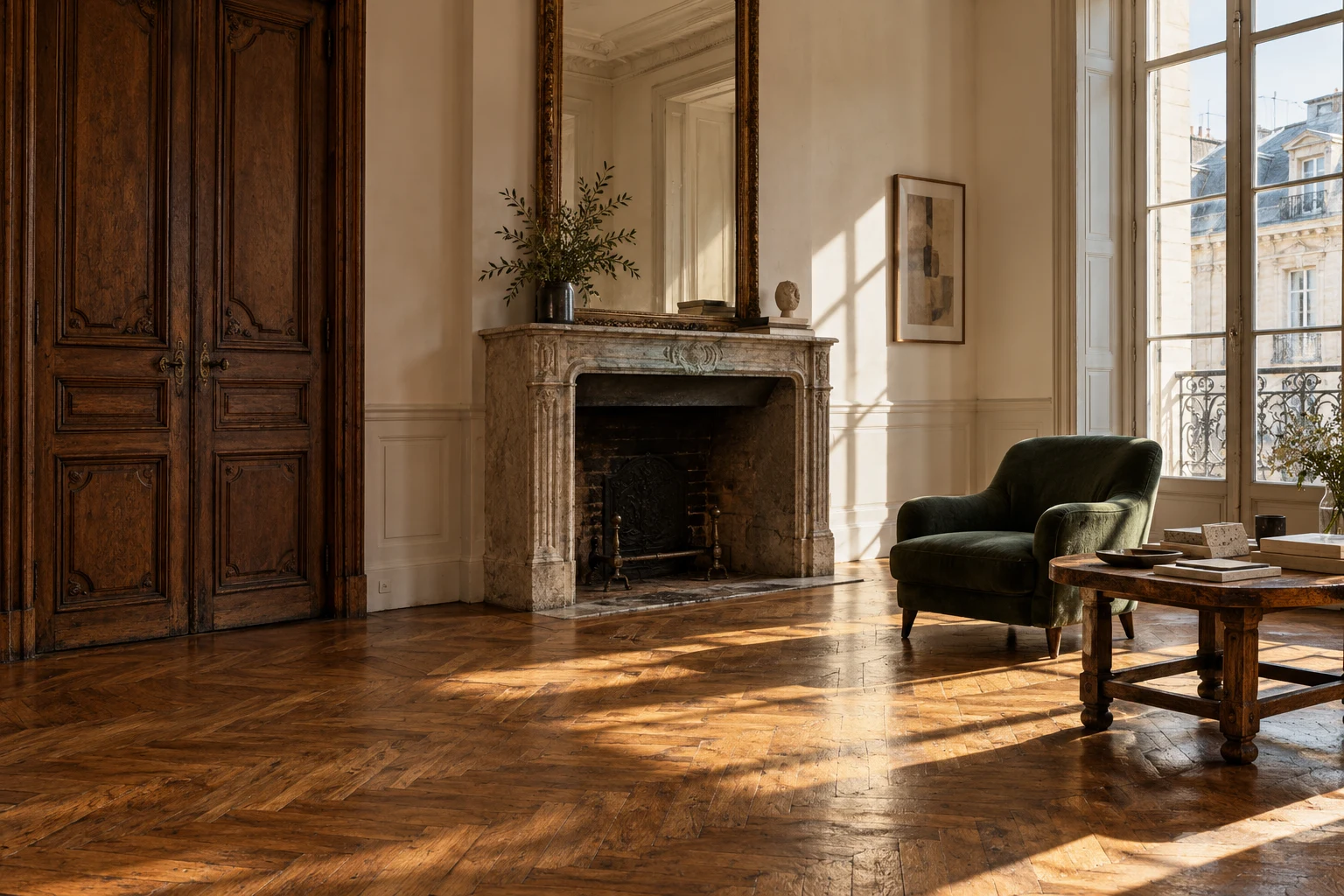
Illustrative historic interior with original timber doors, parquet flooring and a stone fireplace
A DIFFERENT STARTING POINT

The next chapter
starts with what remains.

Architectural concept imagery
+Original timber door Evidence to review ↗+Oak parquet Compare pathways ↗
DECISION WORKSPACE 01 / 03

One element.
Three possible futures.

RetainRepairReplace
Built around evidence. Reviewed by people. ↗
A considered approach to the existing.DOCUMENT → COMPARE → REVIEW → HANDOVER↓
Keeping something
is a design decision.

A door. A floor. A built-in shelf.
Each has a past — and a possible future.
Renovation decisions need more than a final specification. They need a record of the condition, the alternatives, the unknowns and the reasons behind the choice.
RETAIN explores a focused way to bring that thinking together, before a replacement is specified.

A workflow hypothesis we’re preparing to test.
01

See what exists.

Build a structured inventory of the elements already in a space, with photographs and condition notes.

02

Make the options visible.

Compare retaining, repairing and replacing. Keep quotes, technical checks and evidence gaps alongside each option.

03

Carry the reasoning forward.

Connect a client review to a specific version, then hand over a clear record of what was decided and why.

A clearer view.
A considered choice.

Explore how an existing element could become
a traceable renovation decision.

INTERACTIVE CONCEPT · FICTIONAL DATA
Get a feel for the thinking.A five-step guided look inside the concept.
The Courtyard Apartment / Existing elementsCONCEPT v1.0
EXISTING ELEMENTS

A place to start.

Select an element to explore its options.

COMPARE PATHWAYSVersion 1

Original timber door

Keep the original character.

Keep the existing door, subject to a professional condition and suitability review.

ILLUSTRATIVE COST€180
ILLUSTRATIVE TIME1–2 days
✓Illustrative condition photographSAMPLE
!Professional door assessmentNEEDED
!Confirmed supplier quoteNEEDED

Sample estimates. No safety assessment or environmental savings are implied.

Illustrative concept. No client accounts or live project data.
Purpose-built for the decision before procurement.HUMAN JUDGMENT. VISIBLE EVIDENCE.

From “what’s here?”
to “here’s why.”

Designed to make the reasoning as clear
as the final selection.

01

Capture

Record the element,
condition and context.

02

Compare

Explore retain, repair
and replace options.

03

Connect

Link the sources.
Expose the unknowns.

04

Review

Record a client decision
against a specific version.

05

Handover

Keep an exportable
decision register.

A MORE CONSIDERED START

The most interesting
material might be
the one already there.

RETAIN makes space for that possibility.
A practical digital layer for thoughtful renovation.

EXISTING → POSSIBLE

Designed.
Now, to validate.

The visual identity and interactive concept are prepared. The next step is to learn from the professionals who would use it.

CURRENT STAGE
Early-stage concept

RETAIN is not yet incorporated or commercially launched. There are no verified customer interviews, pilots or paying customers.

PREPARED / 01

A tangible starting point.

Problem hypotheses, brand identity, a fictional-data front-end demonstration and a draft validation plan.

Concept prepared
PLANNED / 02

Listen to real studios.

Interview 8–12 practising architects and interior designers about recent renovation decisions. Test the workflow, including reasons it may not be useful.

Discovery & usability
PLANNED / 03

Build around the evidence.

Use the findings to narrow the product, establish a separate venture and build an accessible MVP around a validated need.

Focused MVP
PLANNED / 04

Learn through real use.

Seek permission for small pilots, test studio subscription against per-project pricing, and evaluate repeat use and willingness to pay.

Pilot & business-model testing
A FEW USEFUL DETAILS

Clear by design.

Who is RETAIN intended for?+

Small architecture and interior-design practices working on refurbishment projects, with designers and clients who need to understand and record choices about existing elements.

Is this a launched software product?+

No. This is an early-stage venture concept with an interactive front-end demonstration. All project records, costs and durations shown here are fictional. Professional discovery, external usability testing and pilots remain planned.

Does RETAIN decide what is safe to reuse?+

Technical suitability and safety remain with qualified professionals. The proposed workspace organises evidence and decisions; it does not certify materials, structural safety or environmental savings.

How would the venture generate revenue?+

A B2B software model is planned, subject to validation. The intention is to test a monthly studio subscription against per-project pricing. Pricing, customer demand and commercial viability have not yet been established.

What would funding help make possible?+

The proposed next phase focuses on professional discovery, usability testing, a separate legal venture, a narrowly scoped accessible MVP and small pilots. The aim is to determine whether the workflow solves a frequent, valuable problem before scaling it.

LET’S SHAPE THE NEXT CHAPTER

A better future
for what already exists.

For incubation, research conversations
and early collaboration.

ILLUSTRATIVE CLIENT REVIEW

A decision with context.

REVIEW STATUSEvidence still required

This records a sample preference in this browser session. It is not a technical approval or a real client decision.

A GUIDED PERSPECTIVE
01/ 05

Start with what exists.

Use ← → to navigate · Esc to close

NILLY NG 01 CINDEPENDENT PRODUCT / CASE STUDYAll projects

BRAND → DIGITAL PRODUCT

Synoiko.Branding & SaaS UI/UX Design

One identity.
A whole ecosystem.

From the first symbol to the everyday experience of a building-management platform.

The story behind the project
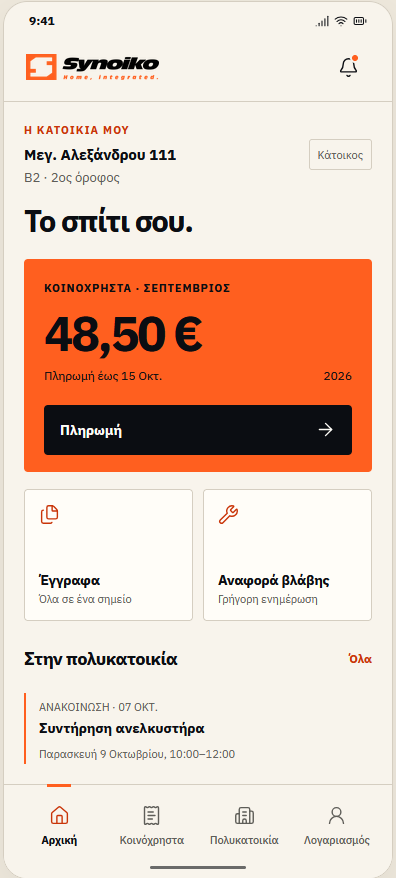
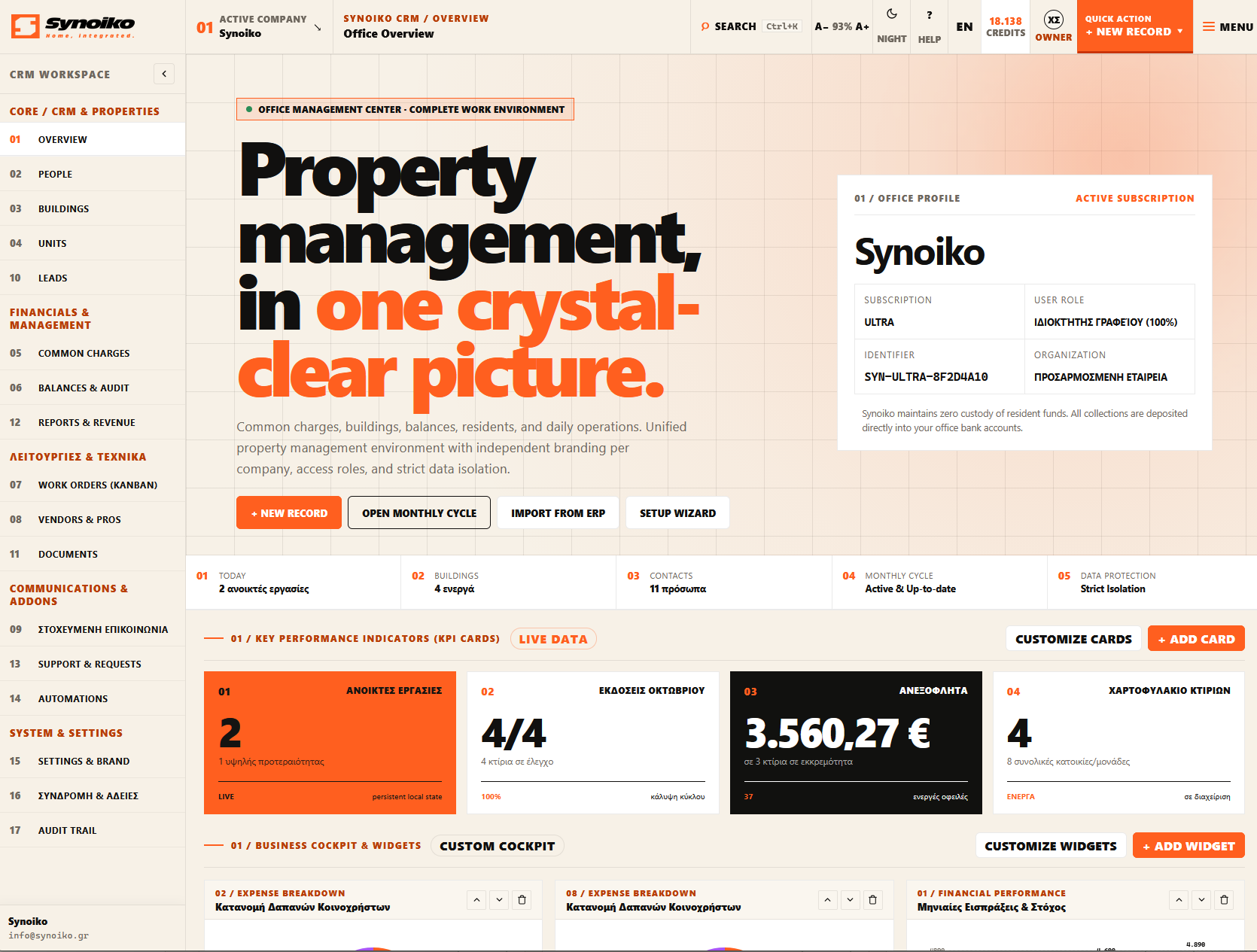
SYNOIKO / PRODUCT EXPERIENCEWEB APP + MOBILE DESIGN
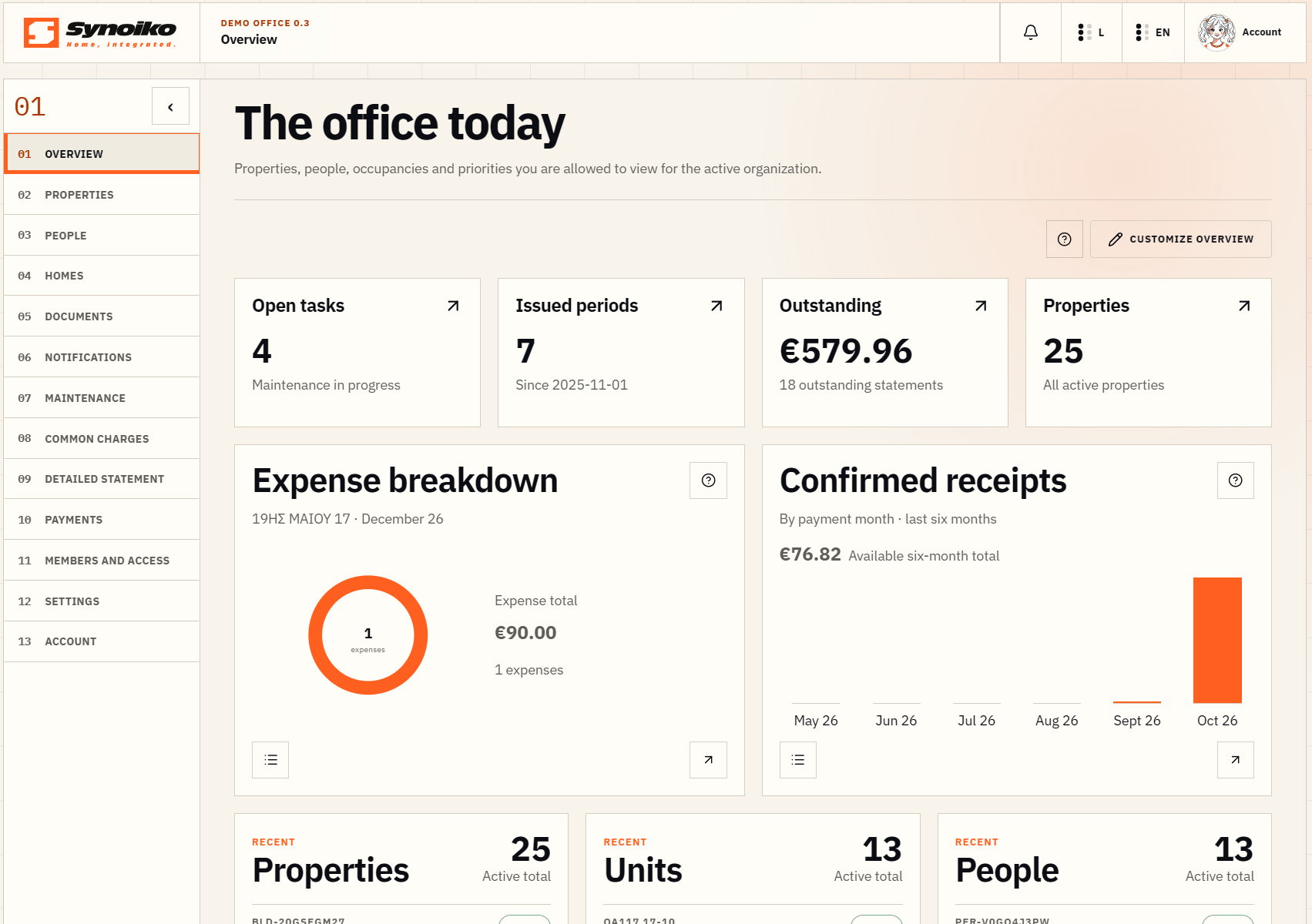
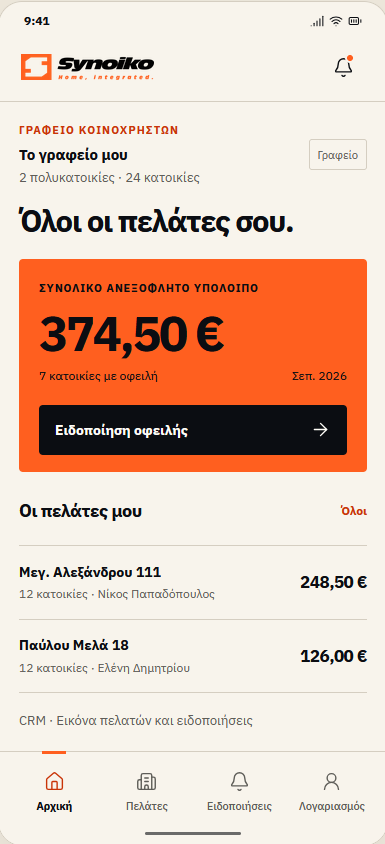
SYNOIKO / OFFICE
Synoiko — office screen with buildings and financial overview
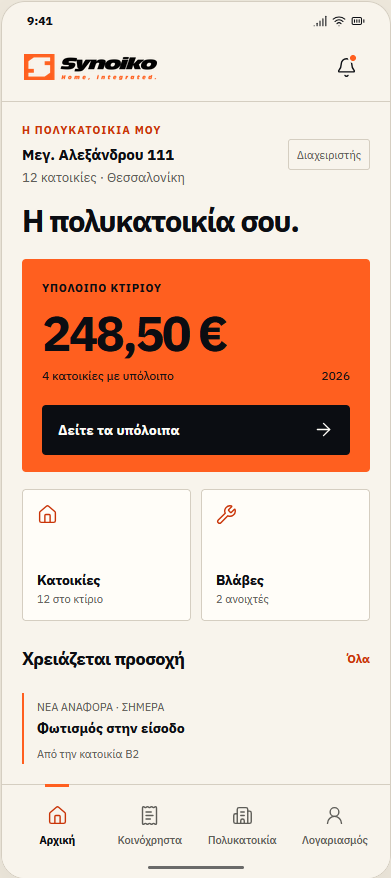
Synoiko Mobile — resident UI prototype, Greek interfaceMOBILE / PROTOTYPE
Web application screen · mobile prototype in development.Inside the Proof Room ↗
THE PROJECT
Independent SaaS product
MY ROLE
Strategy · Branding · UX/UI · Development
THE ECOSYSTEM
Website · Web app · CRM · Admin

01 / THE CHALLENGE

Product strategy.
Shared logic.

The office sees many buildings. The manager sees one. The resident sees their own home.

The challenge was to organise this complexity with the right information for each person. I designed Synoiko around roles and tasks, using shared navigation patterns and clear hierarchy.

My own digital product. From strategy and identity to UX/UI and development.

01Office
02Building
03Home
04Person

02 / BRAND IDENTITY

Brand identity
with character.

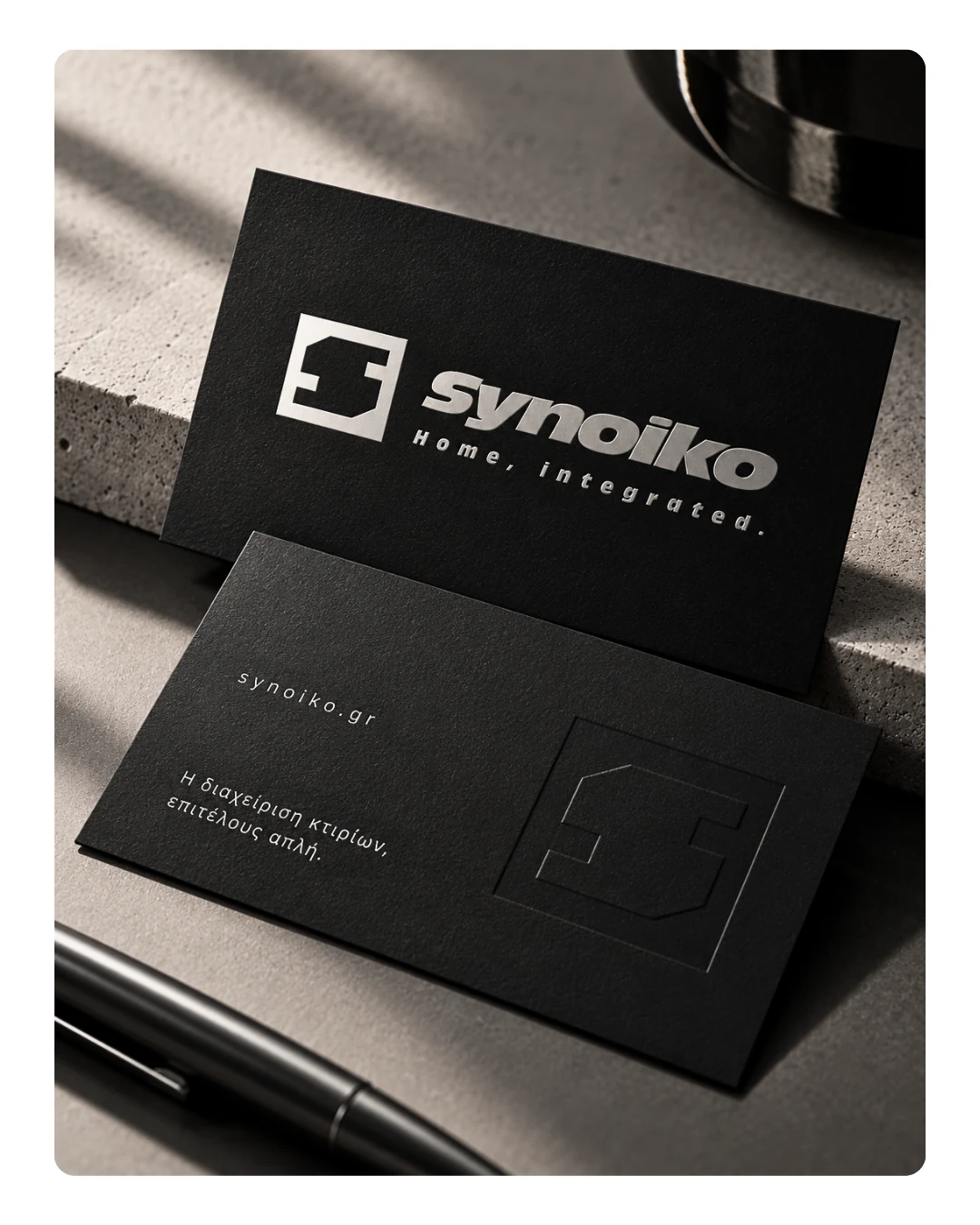
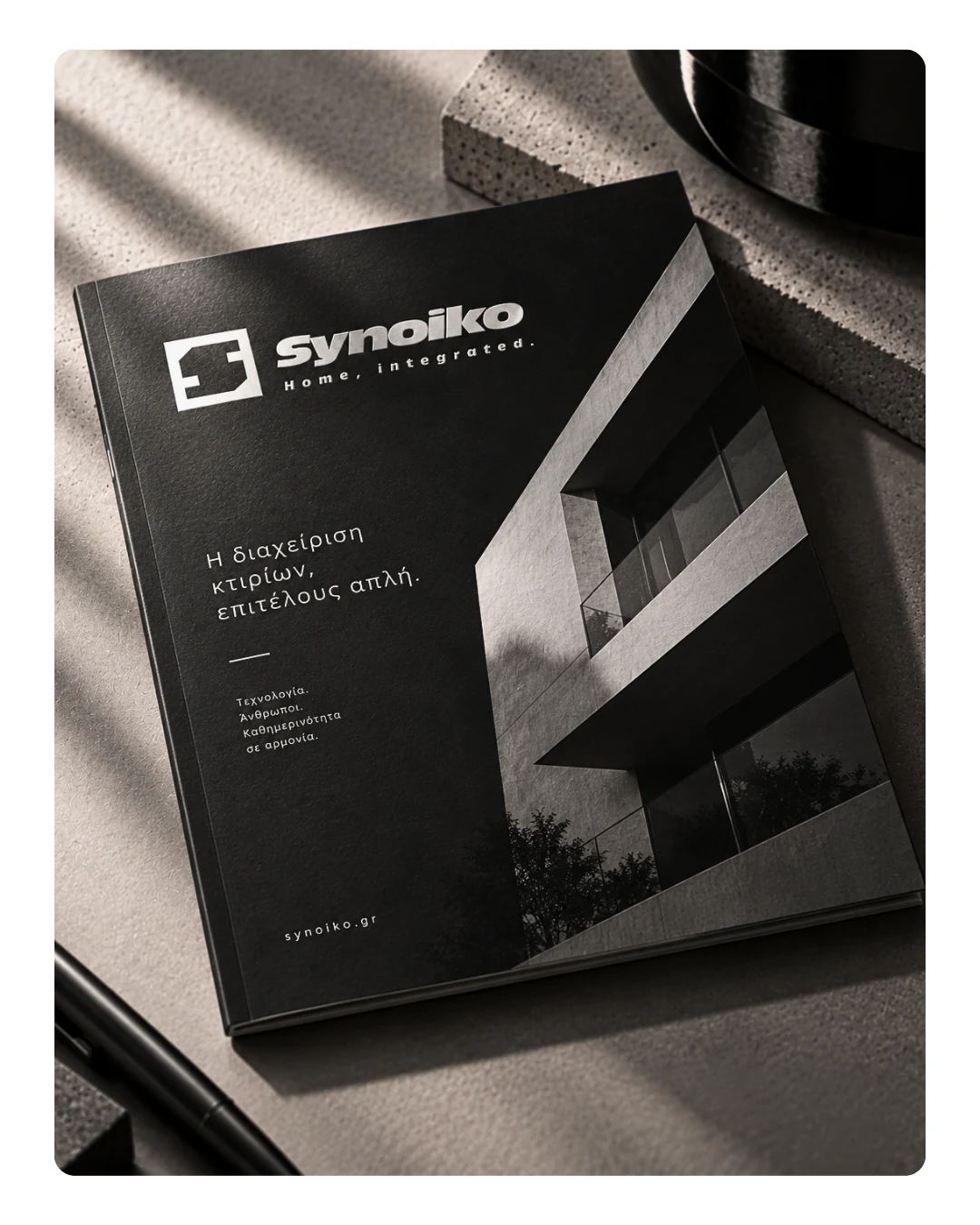
A geometric symbol, a bold wordmark and an orange accent. An identity that connects physical touchpoints with the language of the product.

Synoiko — mockup επαγγελματικών καρτών
01 / BUSINESS CARDSIDENTITY APPLICATION
Synoiko — mockup έντυπης παρουσίασης
02 / PRINT & EDITORIALBRAND TOUCHPOINT

03 / USER EXPERIENCE

SaaS interface design.
Your perspective.

Choose a role to see how the information changes while the design logic stays consistent.

The big picture. The right priorities.

Buildings, common-charge statements and open tasks in one overview. Balances and pending actions stand out before the user moves into the detail.

DESIGN DEMO / OFFICE
Synoiko — Management office
Interface presentation with demonstration data.

Their home, at a glance.

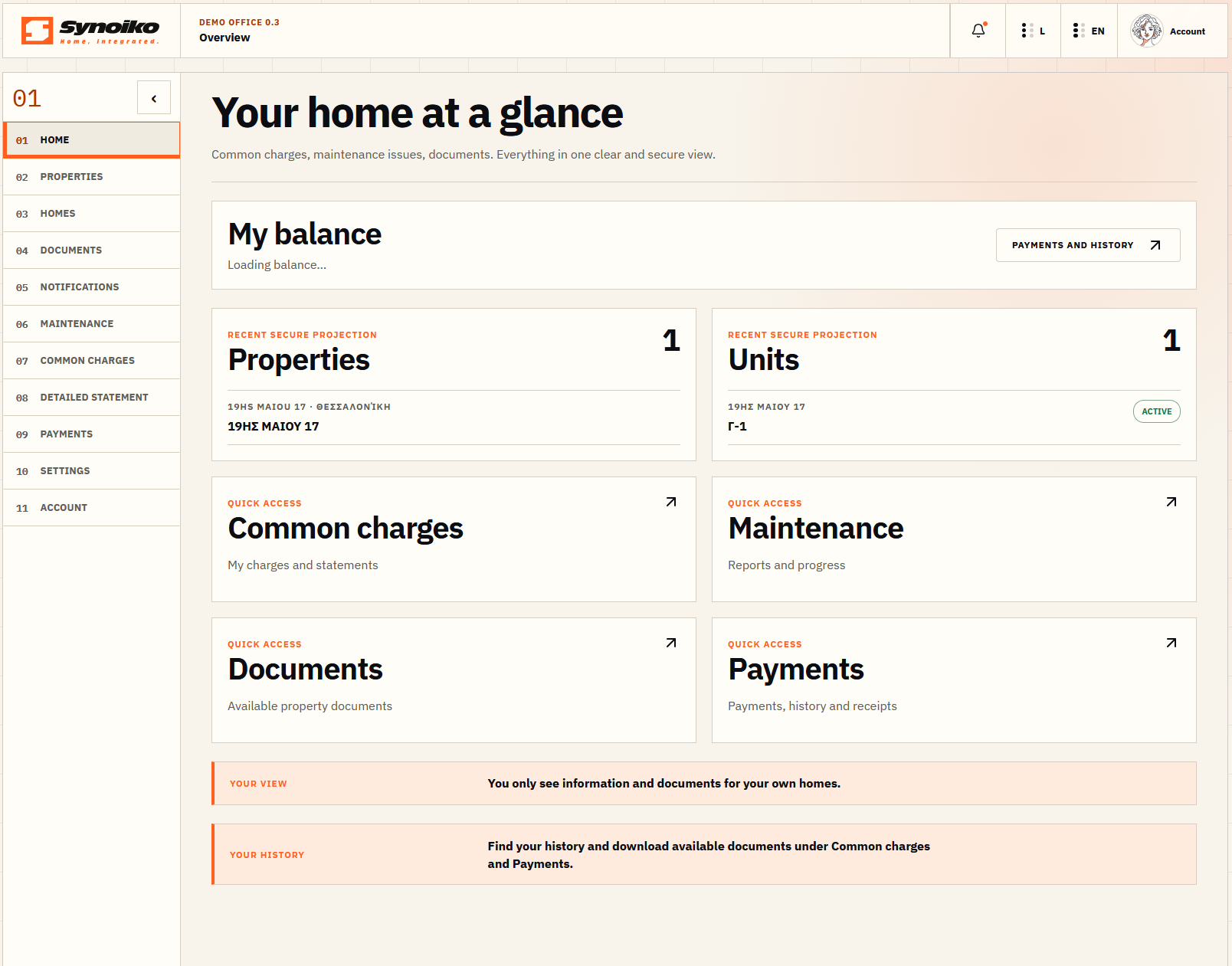
Charges, documents and requests within easy reach. A simple structure follows the needs of the resident.

DESIGN DEMO / RESIDENT
Synoiko — Resident & owner
Interface presentation with demonstration data.

Everything that matters to their building.

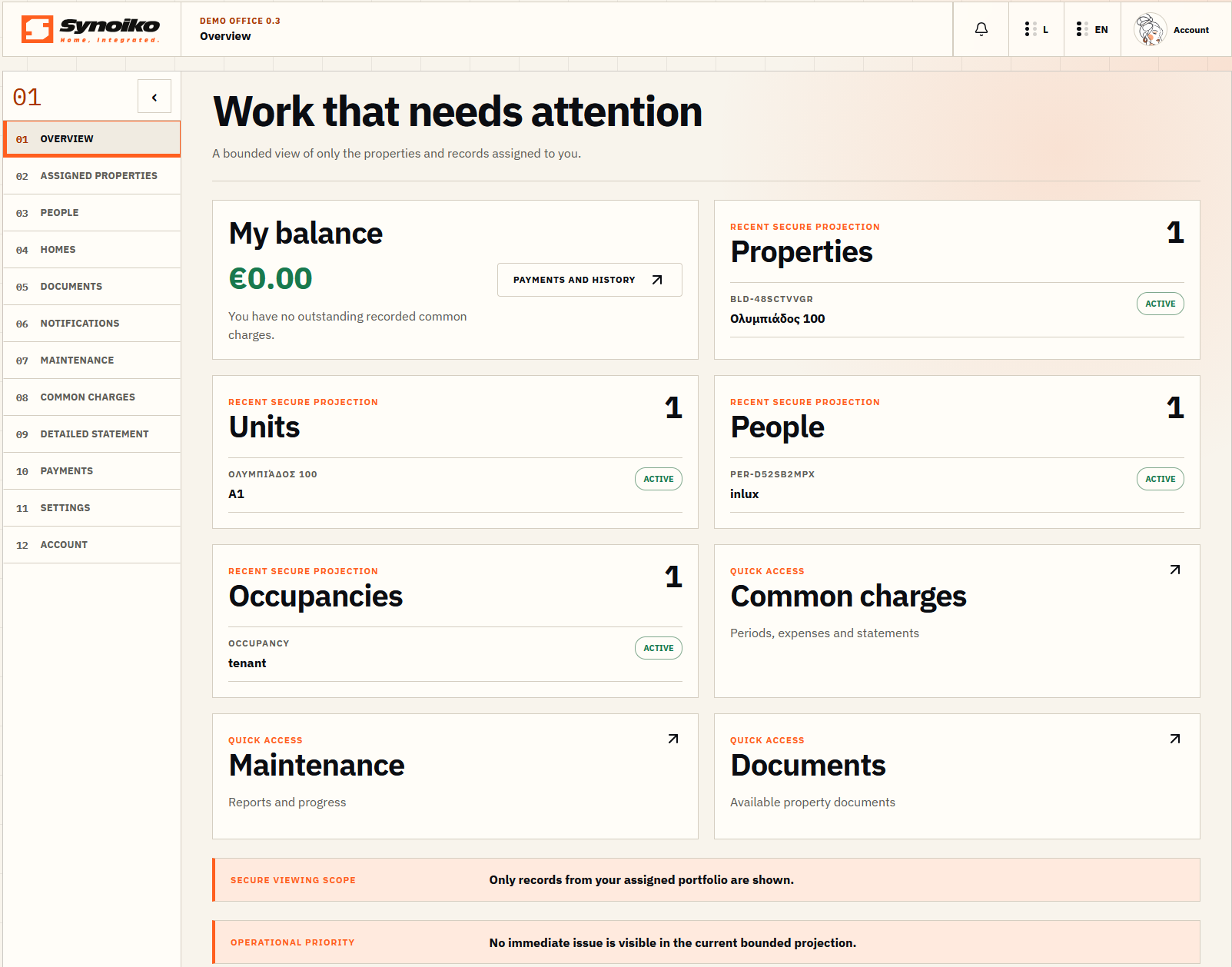
Balances, homes and tasks organised around one building. The same visual language, with a different focus.

DESIGN DEMO / MANAGER
Synoiko — Building manager
Interface presentation with demonstration data.

A shared view of the portfolio.

The professional CRM brings portfolio and financial information into a shared navigation system. The information is shaped around the work of the office.

DESIGN DEMO / CRM
Synoiko — CRM workspace
Interface presentation with demonstration data.

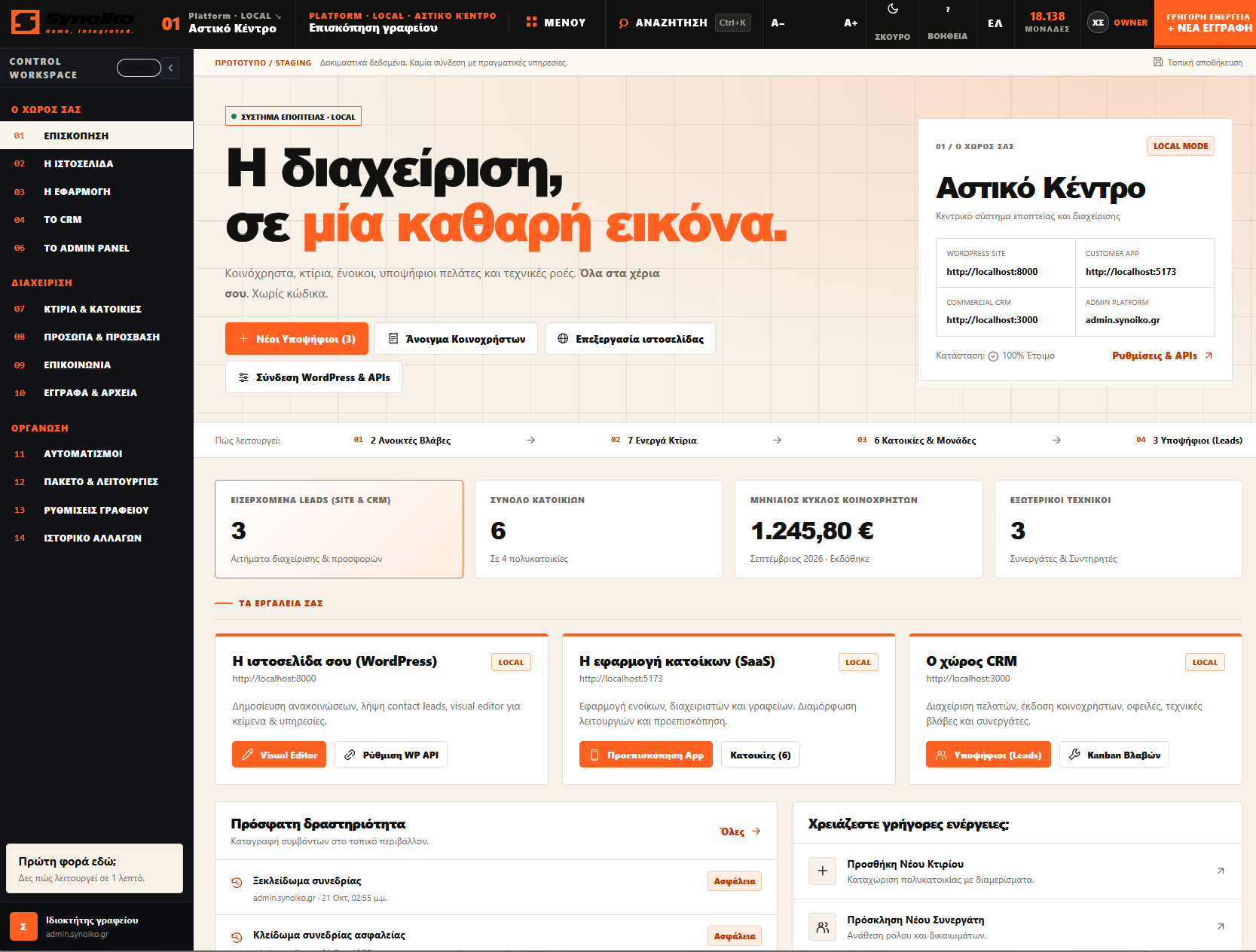
One place to oversee the ecosystem.

A design prototype for overseeing the website, application and CRM. The screen presents a local demonstration environment with test data. The interface is in Greek.

DESIGN DEMO / ADMIN
Synoiko — Admin Panel
Central administration design prototype · local demonstration environment, Greek interface.

04 / DESIGN DECISIONS

The thinking behind the interface.

01

Tasks come first.

The overview highlights actions that need attention. Details follow.

02

Clear hierarchy.

Amounts, periods and statuses have distinct visual weights, so they can be scanned quickly.

03

Consistency throughout.

Navigation, tables and forms follow shared patterns across the web app, CRM and admin.

05 / MOBILE EXPLORATION

Synoiko Mobile.
Android UI design.

PROTOTYPE / IN DEVELOPMENT

The same visual language on Android, with an experience designed for each role. Not yet available to download.

01 / Resident

Synoiko Mobile — Resident — UI prototype
UI PROTOTYPEEnlarge ↗

02 / Manager

Synoiko Mobile — Manager — UI prototype
UI PROTOTYPEEnlarge ↗

03 / Office

Synoiko Mobile — Office — UI prototype
UI PROTOTYPEEnlarge ↗

FROM IDEA TO EXPERIENCE

The next product
could be yours.

NEXT PROJECT / NG 02 CProduct2Place AIAI / PRODUCT IMAGERY

NILLY NG 03 CDESIGN / CASE STUDYAll projects

FROM IDEA TO APPLICATION

KOOZLogo design & music identity

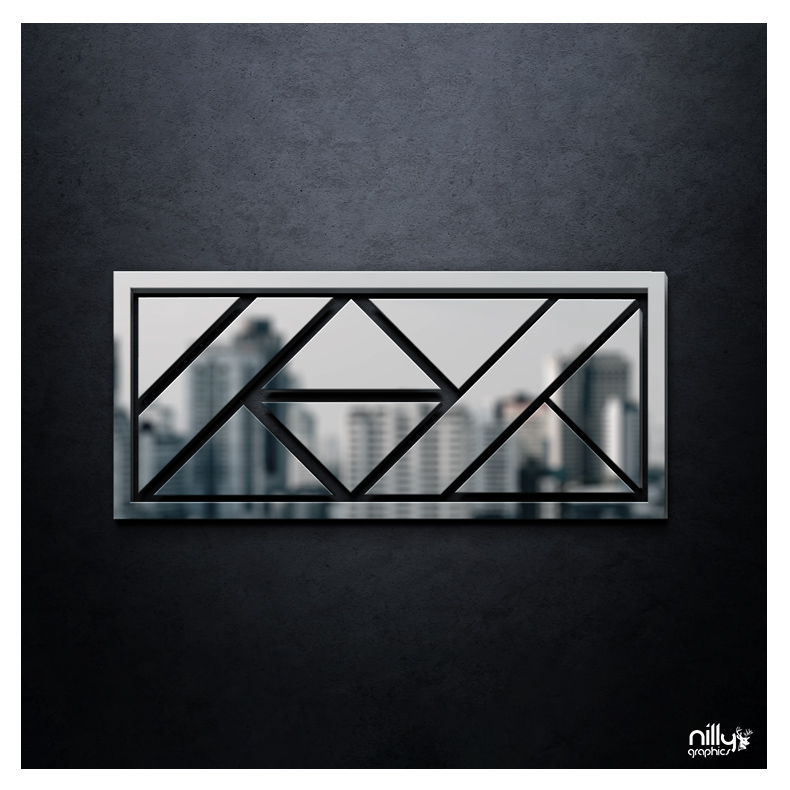
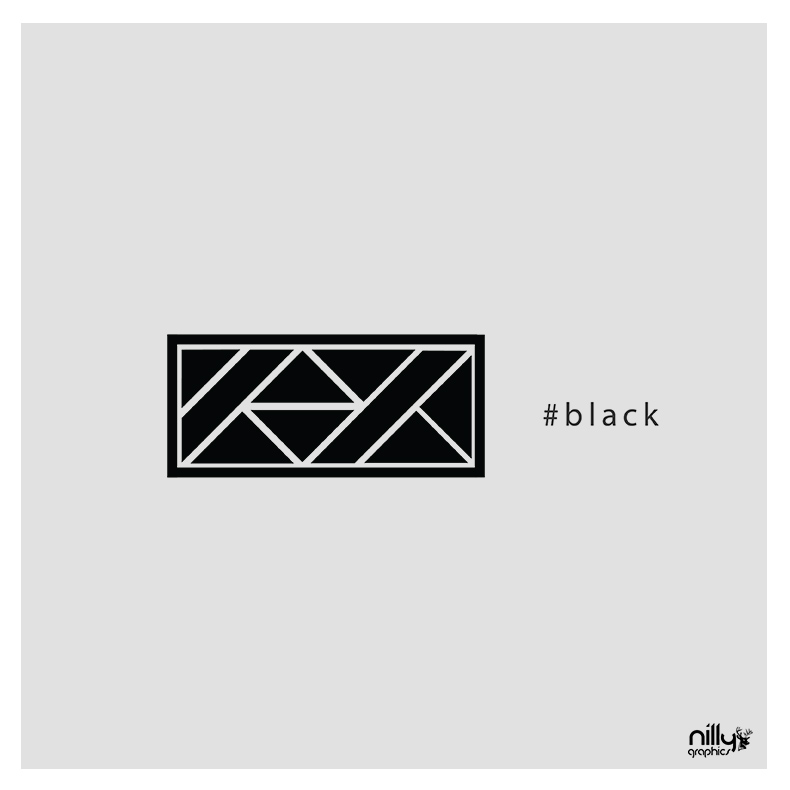
A logo-design project for a music artist. Diagonal lines and internal spaces create a distinctive, compact geometric mark.

Explore the visual presentation
NG 03 C / KOOZDESIGN BY NILLY GRAPHICS
KOOZ — Logo design & music identity
DISCIPLINE
Logo design & music identity
DESIGN
Sotiris Christos / Nilly Graphics
PRESENTATION
8 project images

01 / DESIGN DIRECTION

Geometry and rhythm

Triangles, diagonals and diamond-like relationships sit within a horizontal frame. Repetition and changes of direction connect the mark with a musical identity.

02 / VISUAL LANGUAGE

Positive and negative

Light and dark applications reveal the geometry of the symbol. A limited palette keeps attention on its outline and proportions.

Explore the complete collection1 more images

03 / APPLICATIONS

The identity in application

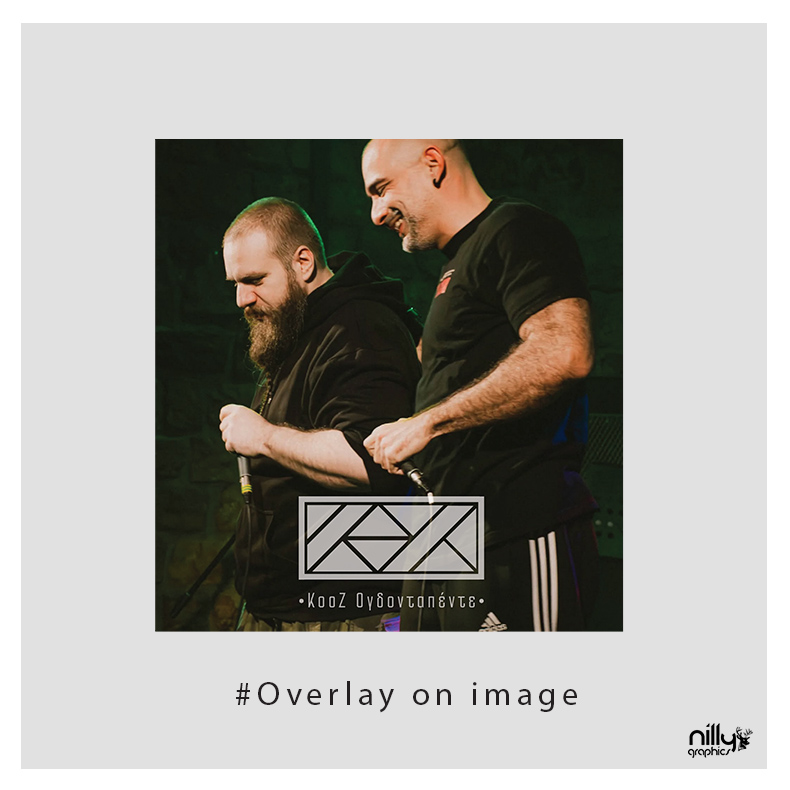
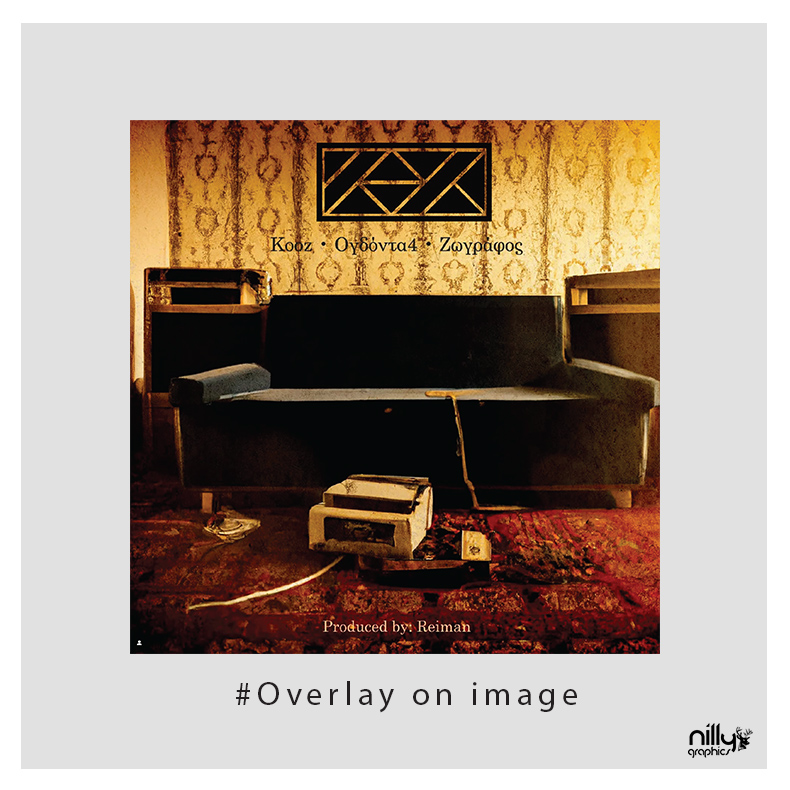
Mockups translate the flat mark into different materials and contexts. The work combines logo design with art direction for a consistent visual presentation.

YOUR NEXT PROJECT

The next idea
deserves character.

NEXT PROJECT / NG 04 CΜαρία ΒλαχονικολούLogo design & brand identity

NILLY NG 09 CDESIGN / CASE STUDYAll projects

FROM IDEA TO APPLICATION

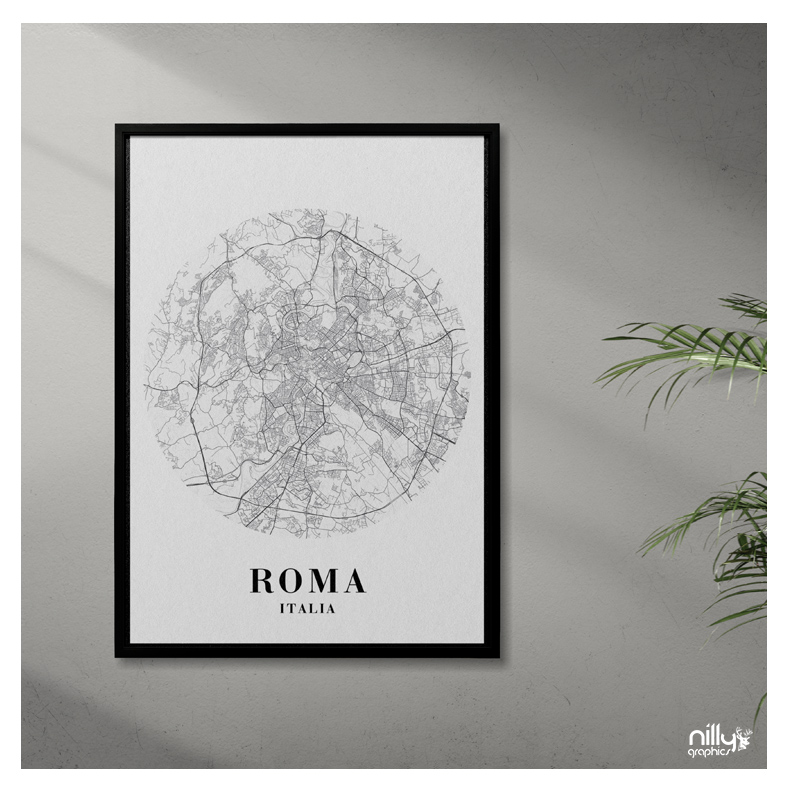
City MapsVector illustration & poster design

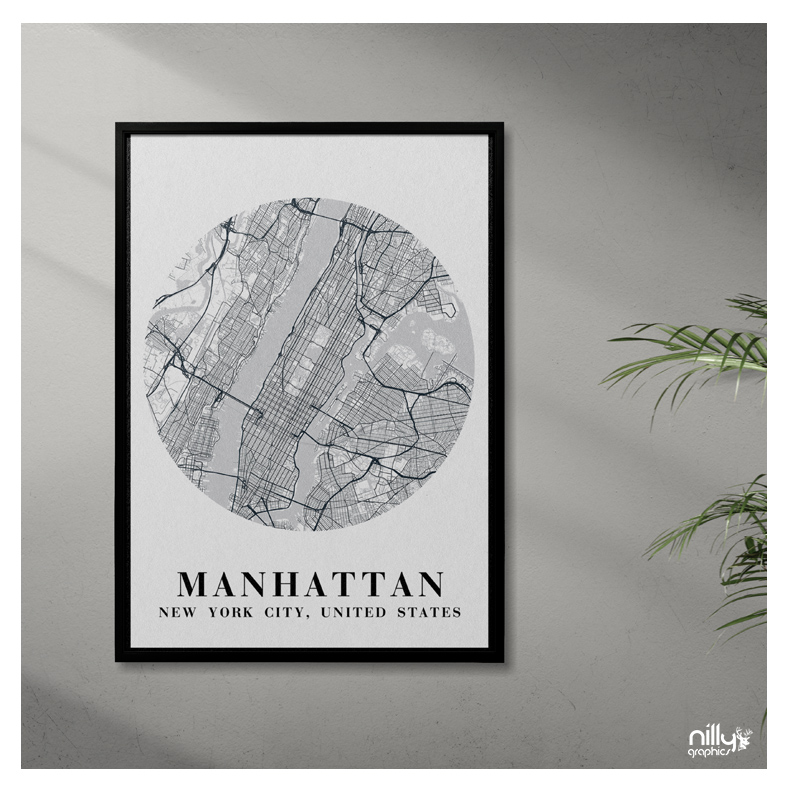
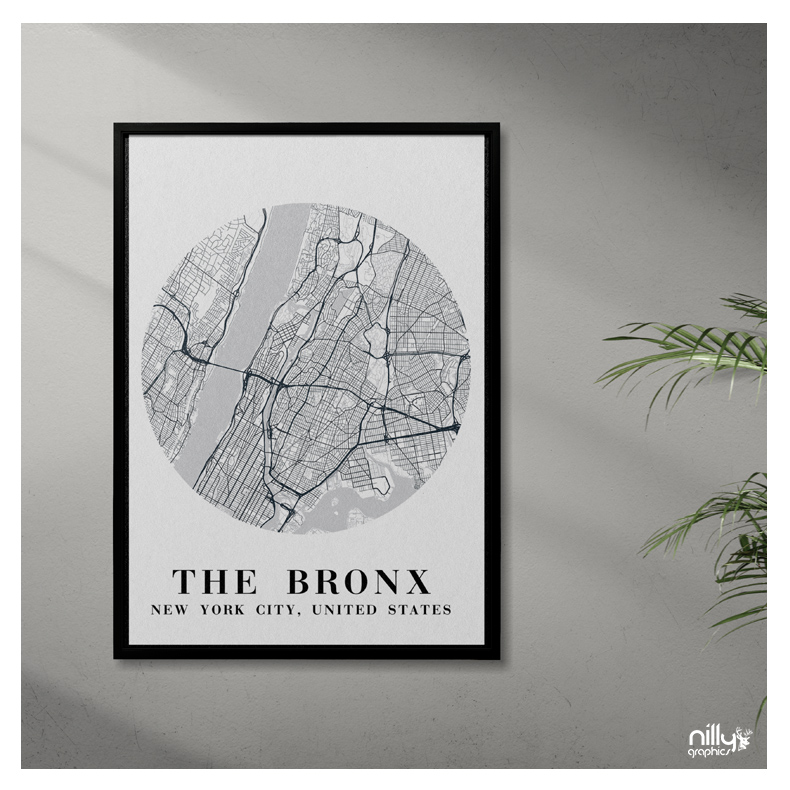
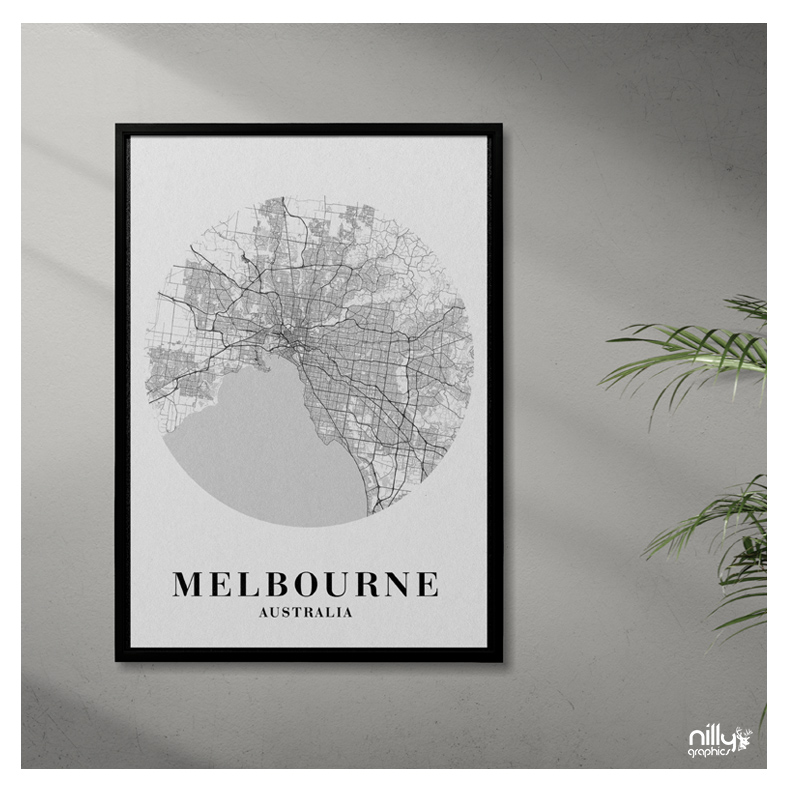
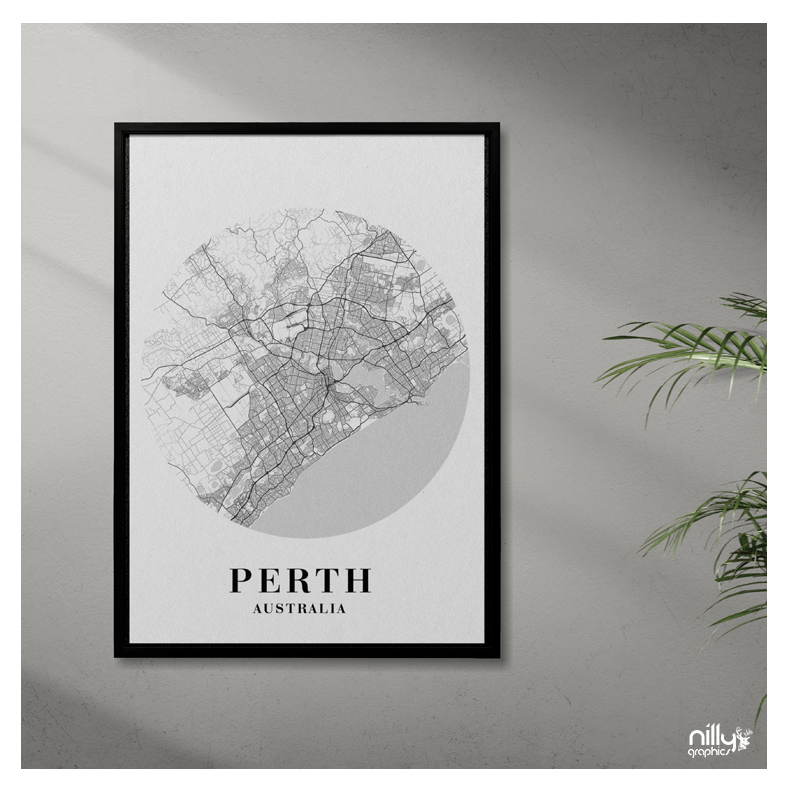
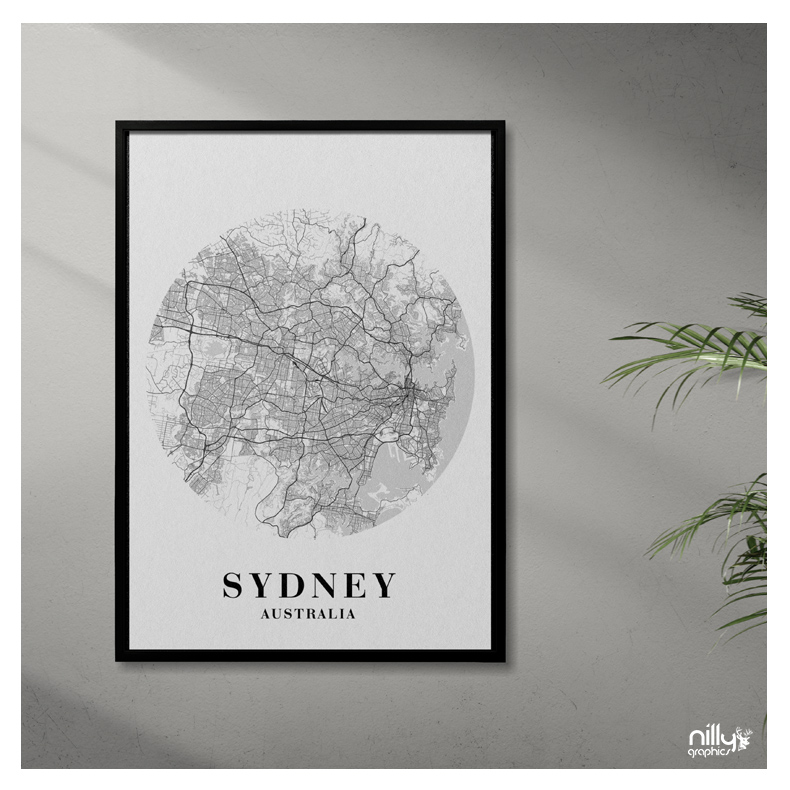
Seven city-map illustrations designed as graphic compositions for posters. Streets, open spaces and changing urban density form a shared circular structure.

Explore the visual presentation
NG 09 C / City MapsDESIGN BY NILLY GRAPHICS
City Maps — Vector illustration & poster design
DISCIPLINE
Vector illustration & poster design
DESIGN
Sotiris Christos / Nilly Graphics
PRESENTATION
7 project images

01 / DESIGN DIRECTION

The map as a graphic composition

A monochrome approach highlights the detail of the line. Each city retains its own rhythm within the consistent circular outline.

02 / VISUAL LANGUAGE

Seven urban characters

Berlin, Manhattan, the Bronx, Melbourne, Perth, Sydney and Rome are presented with a shared typographic hierarchy for the place name and country.

03 / APPLICATIONS

Prints in context

Framed mockups show the illustrations in interior settings. The related vector product is available in the shop as Isometric illustrations maps.

AVAILABLE IN THE SHOP

City Maps

View file formats, licensing and the full product details.

View the product

Original price was: 29,90 €.Η τρέχουσα τιμή είναι: 9,90 €.Προσθήκη στο καλάθι

YOUR NEXT PROJECT

The next idea
deserves character.

NEXT PROJECT / NG 10 CBLK VLT MagazineBrand identity & web design

NILLY NG 25 CTYPE DESIGN / PORTFOLIOAll projects

CHARACTERS / FORM / EXPRESSION

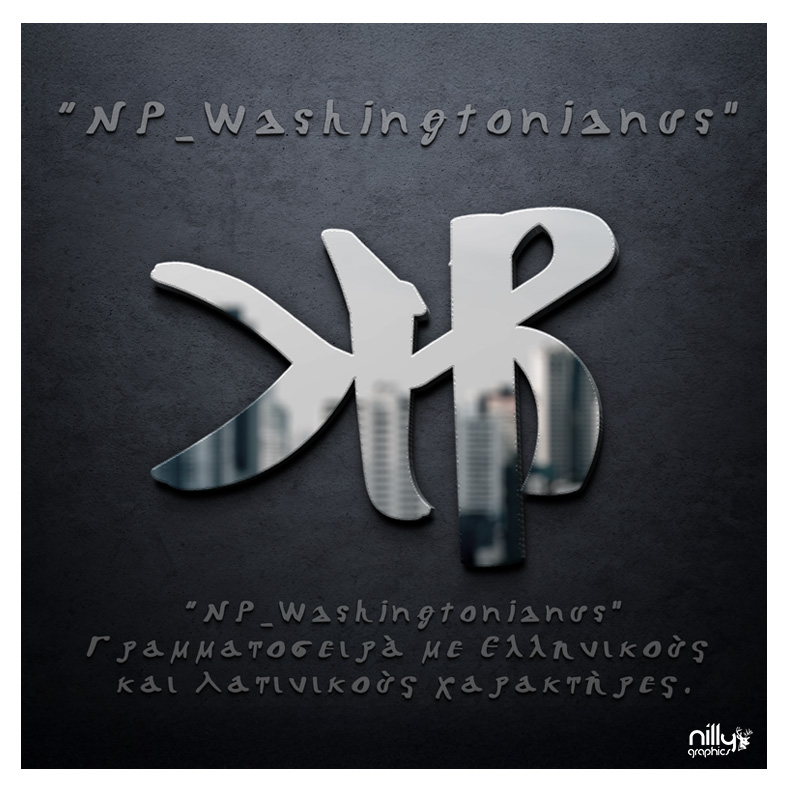
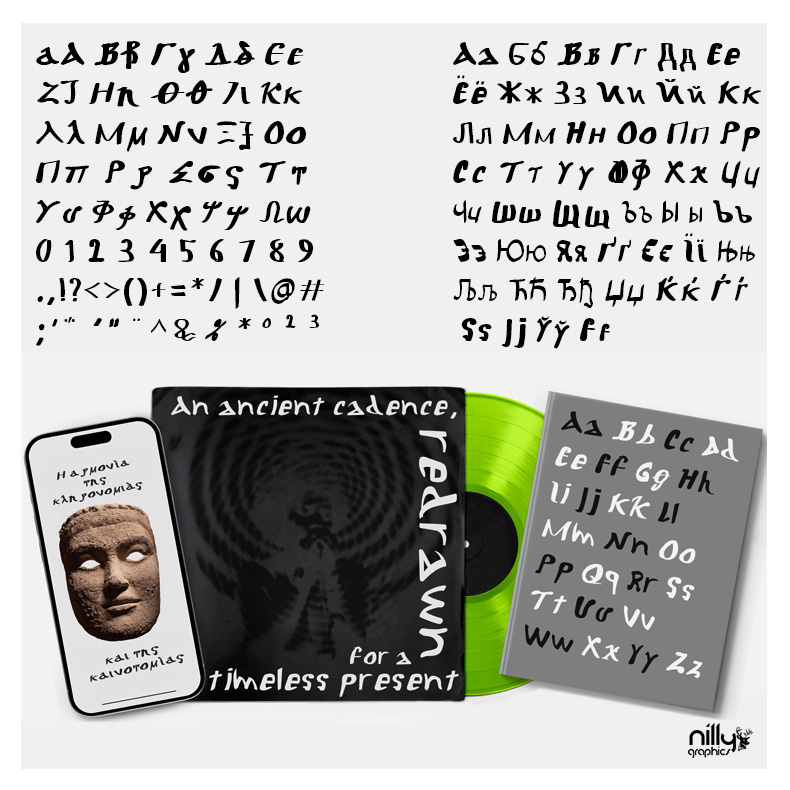
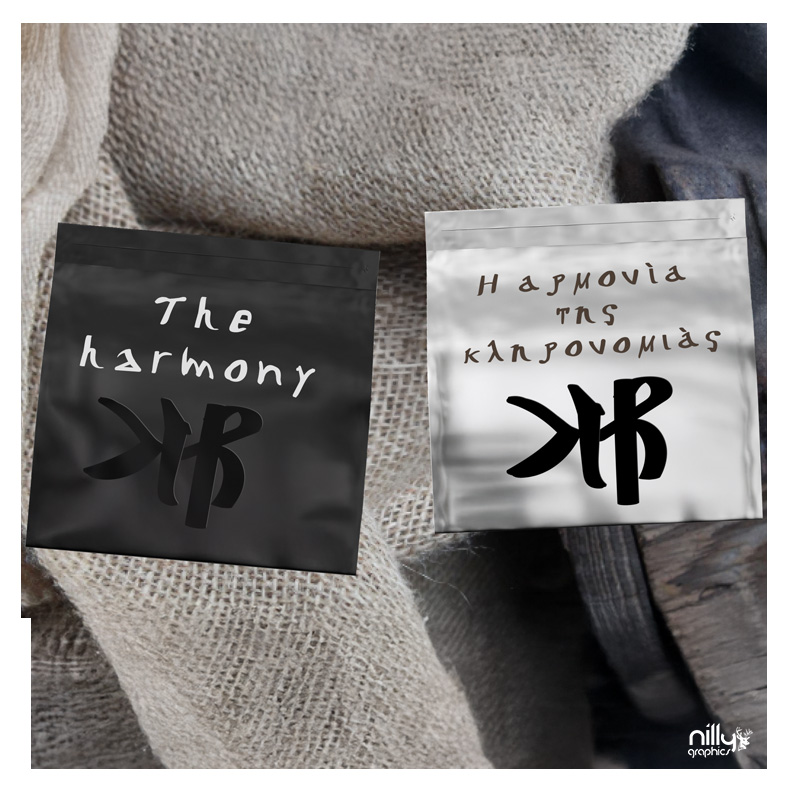
NP WashingtonianusDisplay typeface design

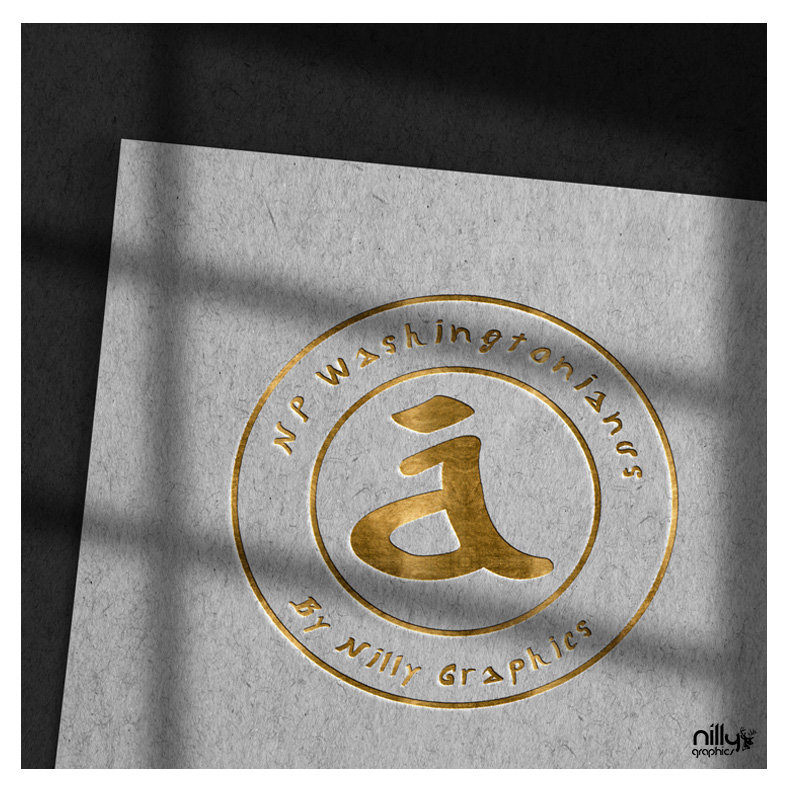
An independent typeface project connecting character specimens with sculptural, material treatments. Typography is explored as a visual object as well as a system of letters.

Explore the visual presentation
NG 25 C / NP WashingtonianusDESIGN BY NILLY GRAPHICS
NP Washingtonianus — Display typeface design
DISCIPLINE
Display typeface design
DESIGN
Sotiris Christos / Nilly Graphics
PRESENTATION
5 project images · Regular

01 / DESIGN DIRECTION

Character and presence

Distinctive terminals and relationships between neighbouring letters shape the design. The project investigates the visual presence of the letter beyond an alphabet listing.

02 / VISUAL LANGUAGE

A metallic presentation

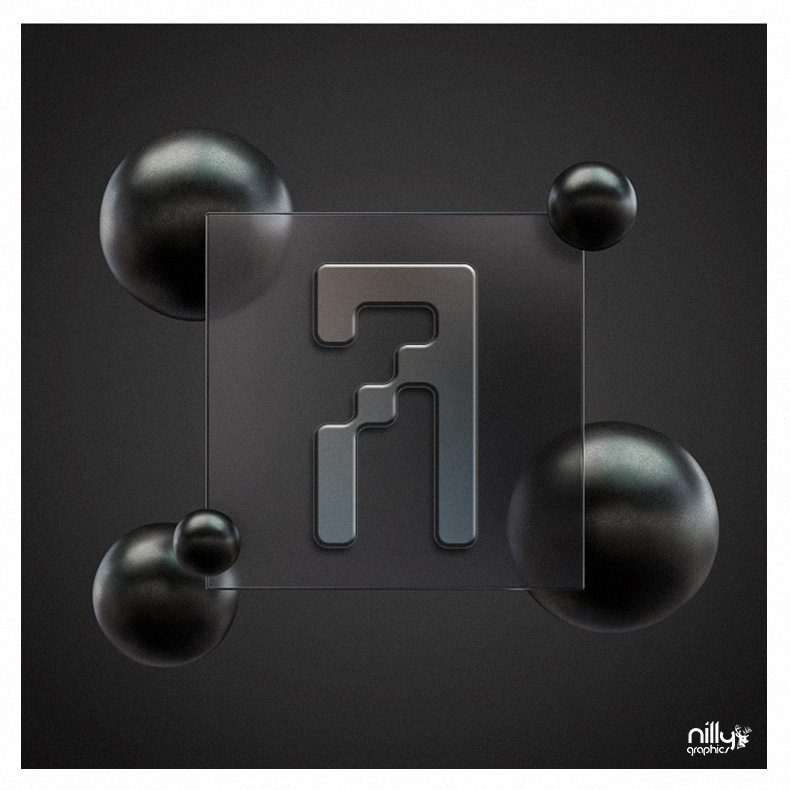
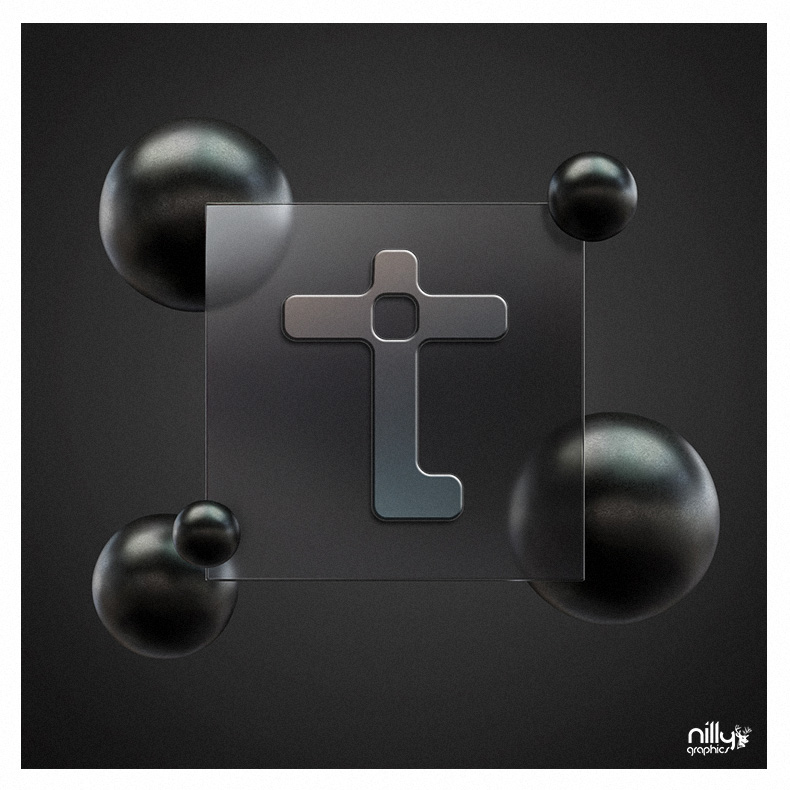
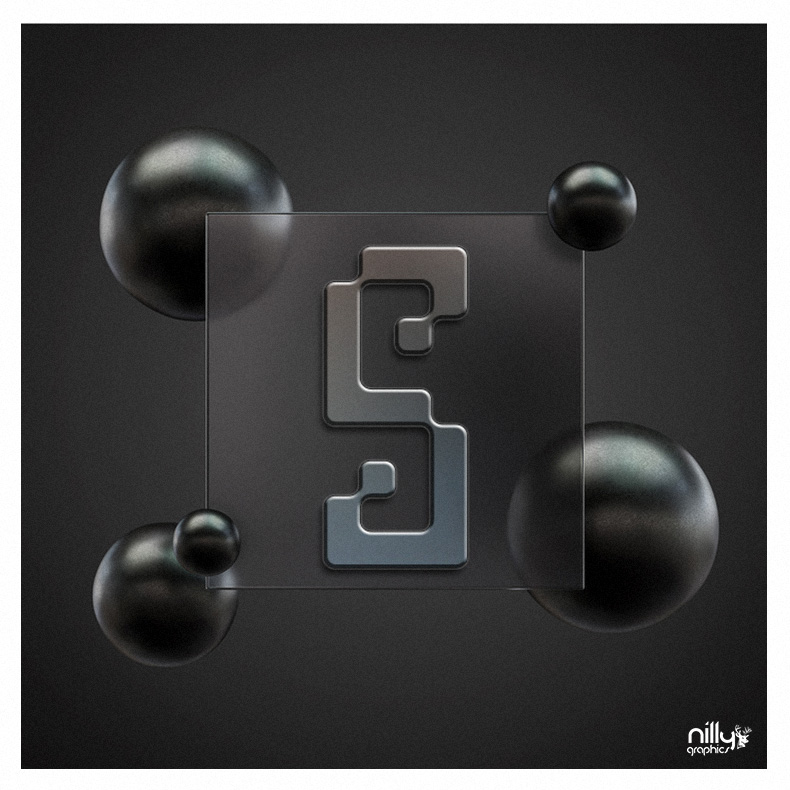
Dark metallic art direction reveals edges and surfaces. Additional specimens provide a direct reading of the Regular letterforms.

03 / APPLICATIONS

From design to application

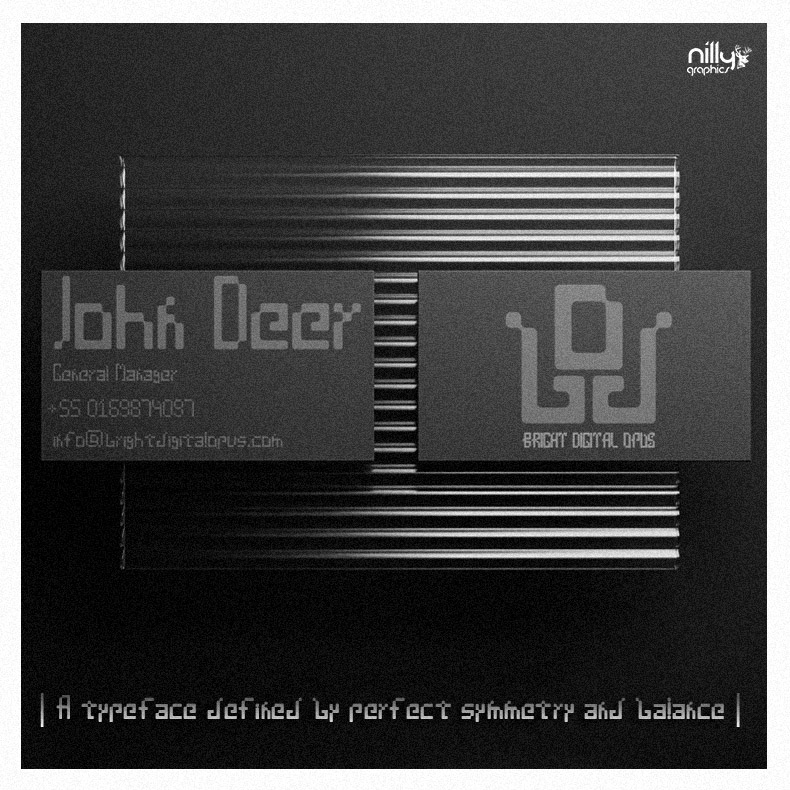
The portfolio presents character design and illustrative applications. The product page provides the current availability of the typeface.

AVAILABLE IN THE SHOP

NP Washingtonianus

View file formats, licensing and the full product details.

View the product

Original price was: 29,90 €.Η τρέχουσα τιμή είναι: 9,90 €.Προσθήκη στο καλάθι

YOUR NEXT PROJECT

The next idea
deserves character.

NEXT PROJECT / NG 01 CSynoikoBranding & SaaS UI/UX

NILLY NG 24 CTYPE DESIGN / PORTFOLIOAll projects

CHARACTERS / FORM / EXPRESSION

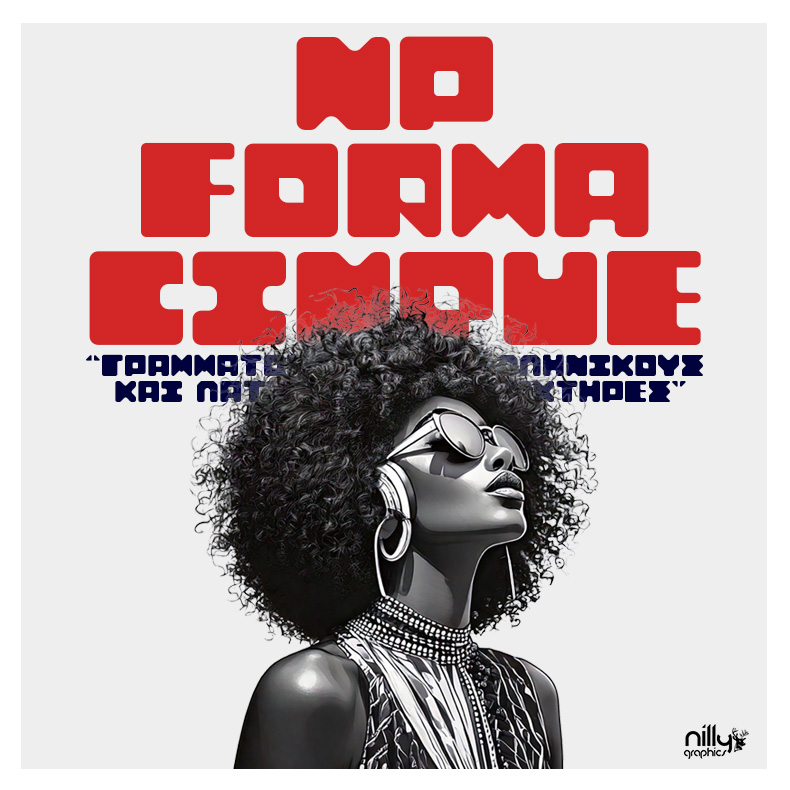
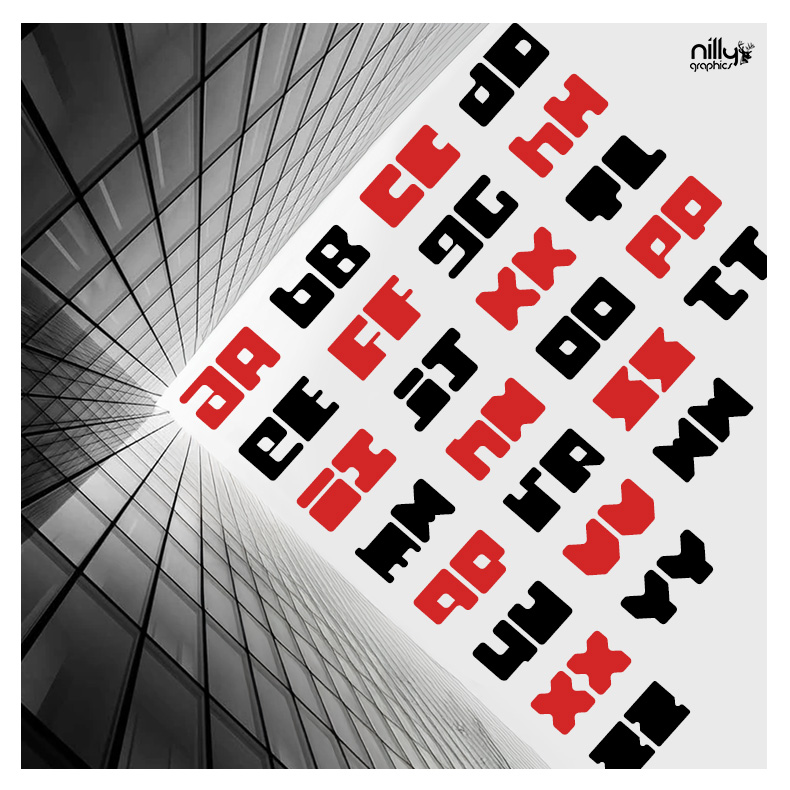
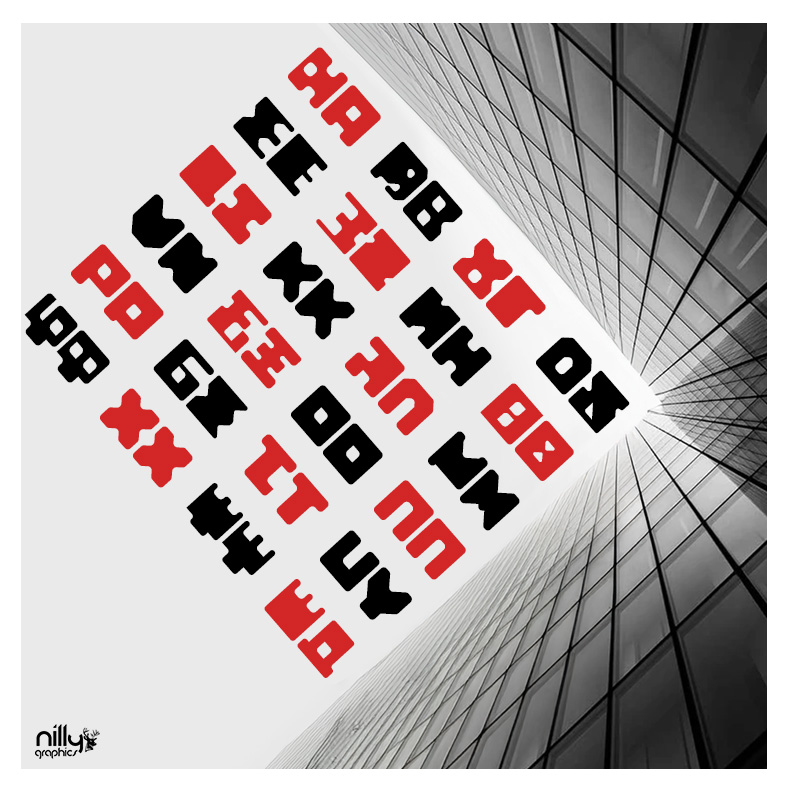
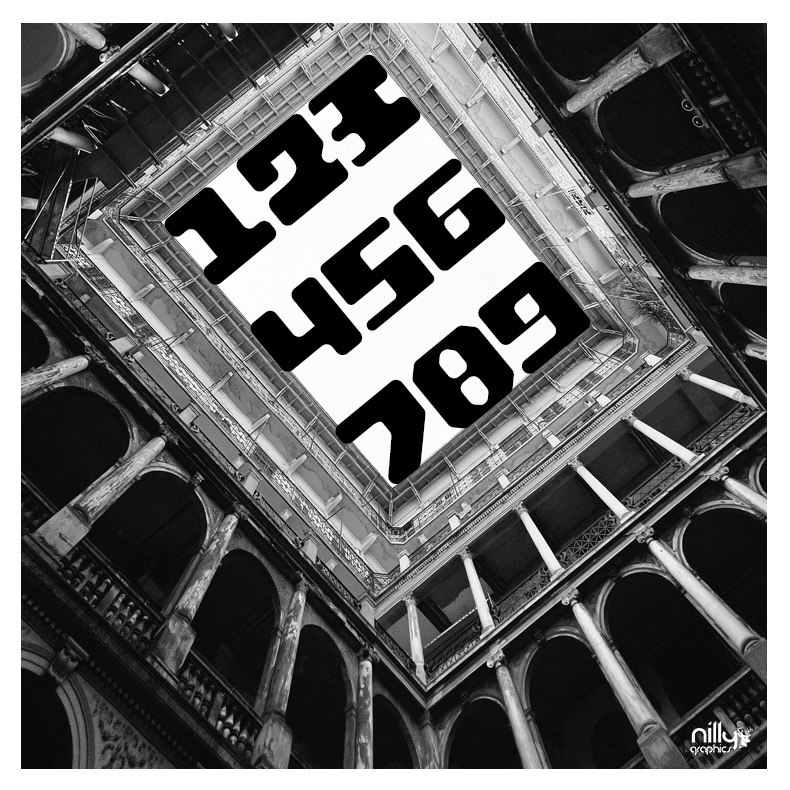
NP Forma CinqueGeometric display typeface design

A typeface study built from full geometric forms. Strong visual weight allows a short word to become the dominant element of a composition.

Explore the visual presentation
NG 24 C / NP Forma CinqueDESIGN BY NILLY GRAPHICS
NP Forma Cinque — Geometric display typeface design
DISCIPLINE
Geometric display typeface design
DESIGN
Sotiris Christos / Nilly Graphics
PRESENTATION
6 project images · Regular

01 / DESIGN DIRECTION

Weight and detail

Large letter surfaces are balanced by rounded corners and clear internal openings. Small cuts give the solid forms their distinctive character.

02 / VISUAL LANGUAGE

A typographic surface

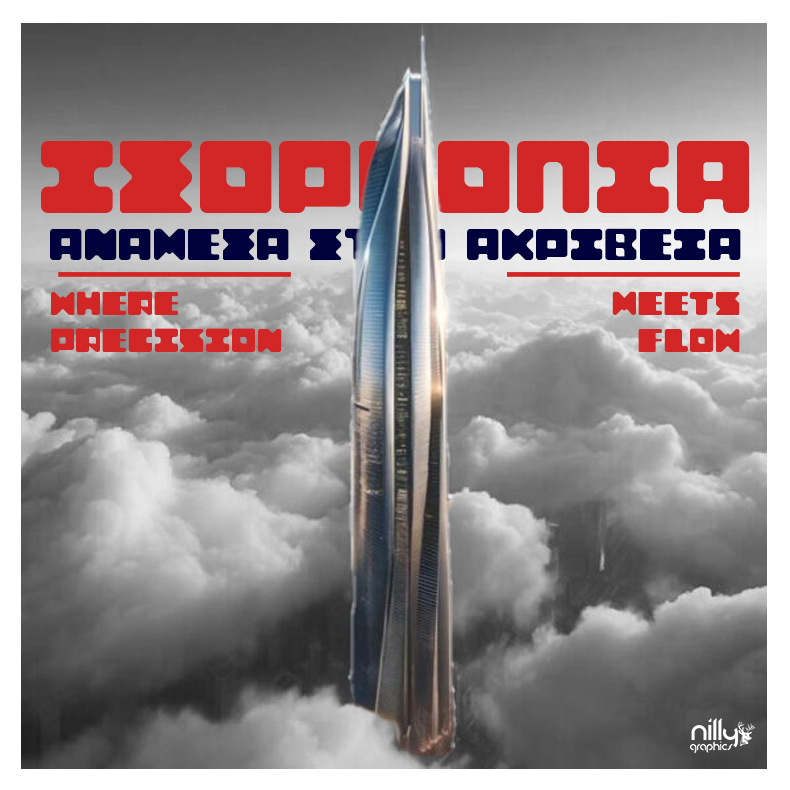
Red headlines sit over a monochrome portrait in the main poster. Repeated lines show how the typeface can create surface, structure and rhythm.

03 / APPLICATIONS

Display applications

The specimens explore large headlines, colour and composition, showing the role of the typeface within a poster or cover.

AVAILABLE IN THE SHOP

NP Forma Cinque

View file formats, licensing and the full product details.

View the product

Original price was: 29,90 €.Η τρέχουσα τιμή είναι: 9,90 €.Προσθήκη στο καλάθι

YOUR NEXT PROJECT

The next idea
deserves character.

NEXT PROJECT / NG 25 CNP WashingtonianusDisplay typeface design

NILLY NG 11 CDESIGN / CASE STUDYAll projects

FROM IDEA TO APPLICATION

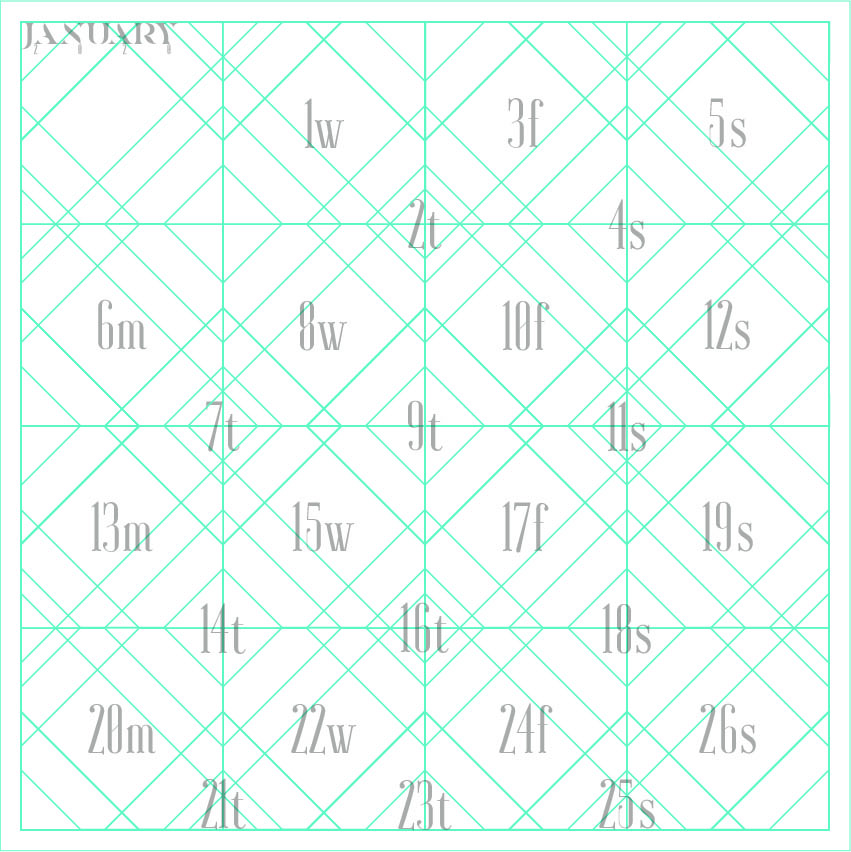
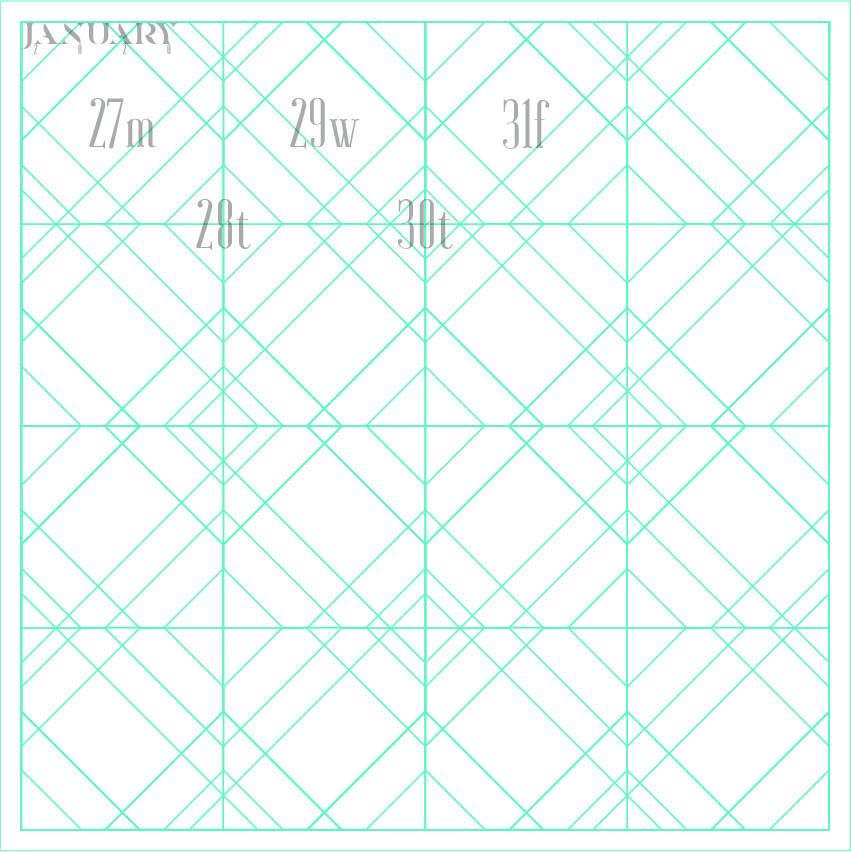
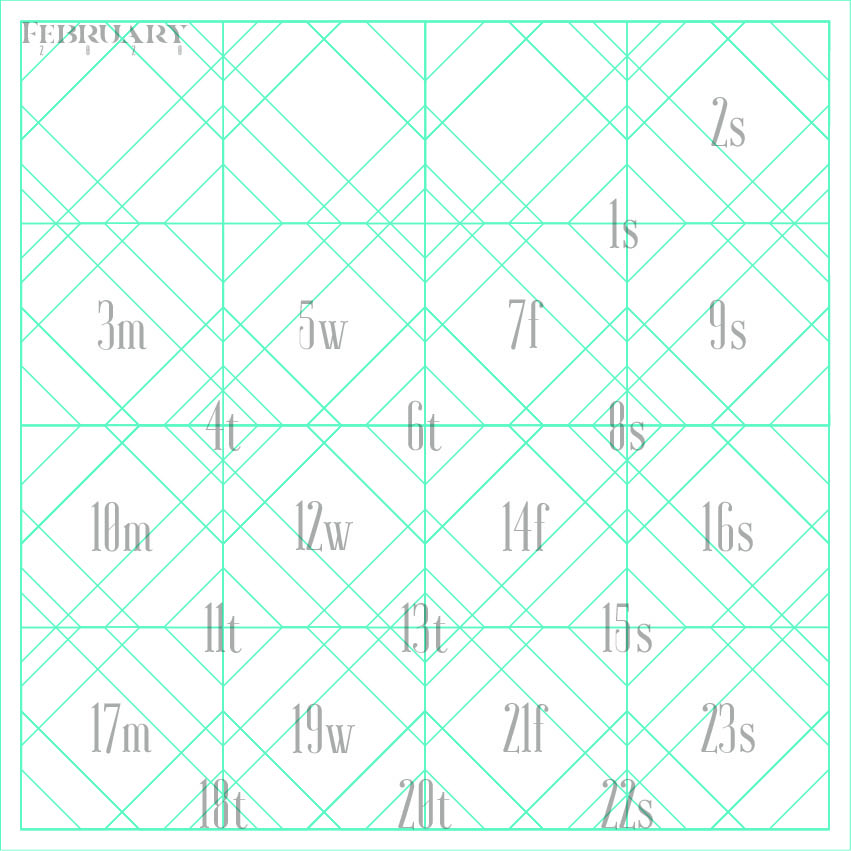
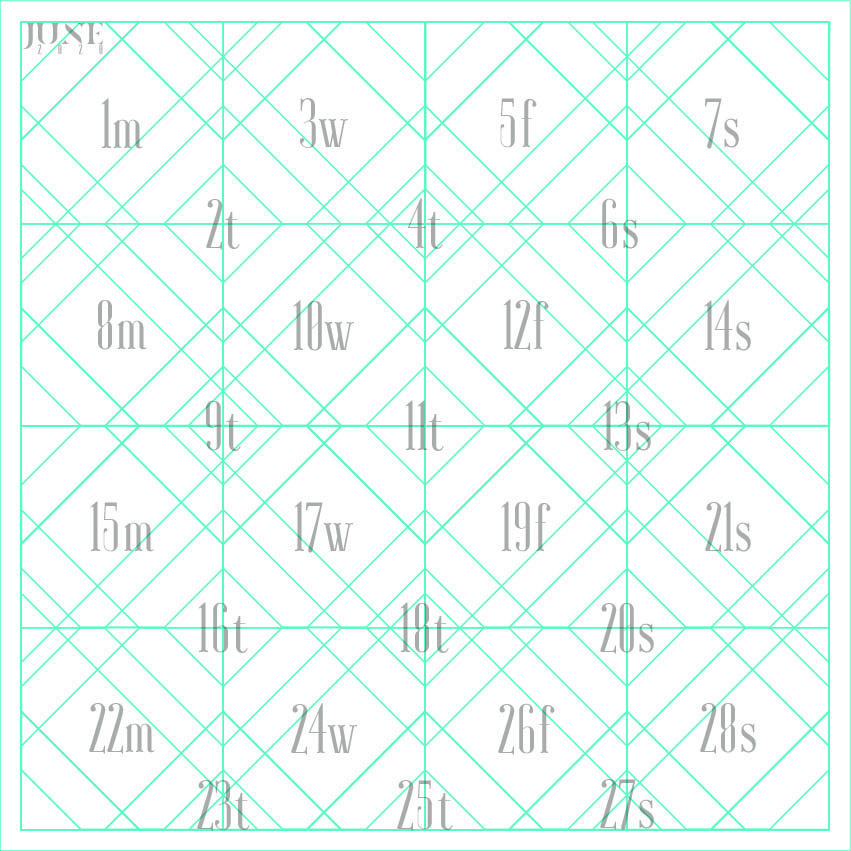
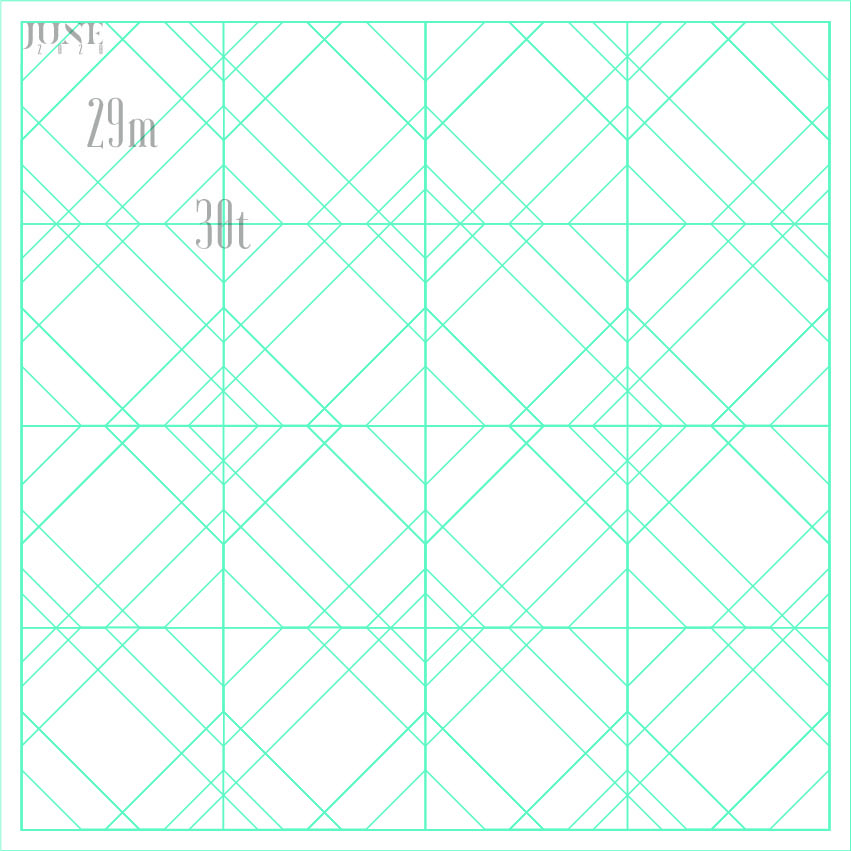
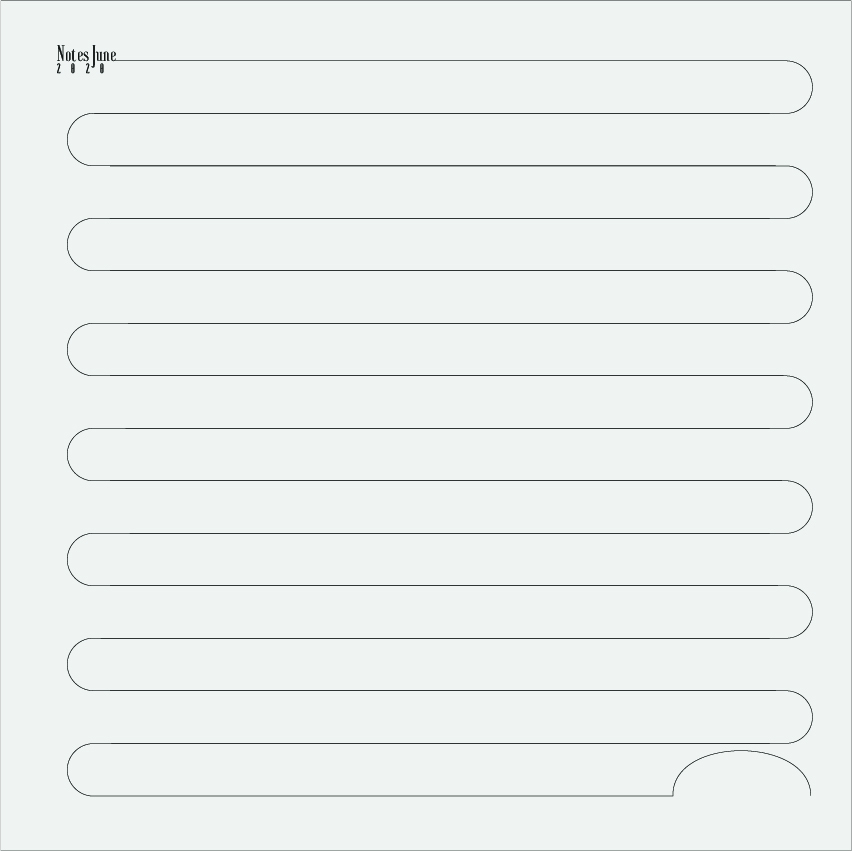
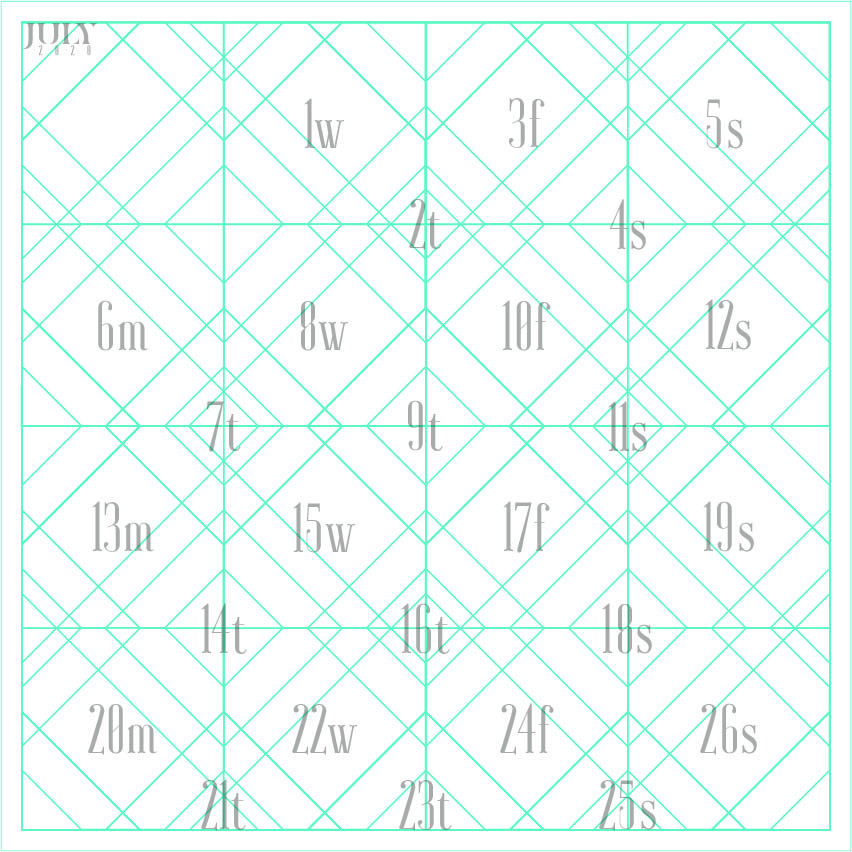
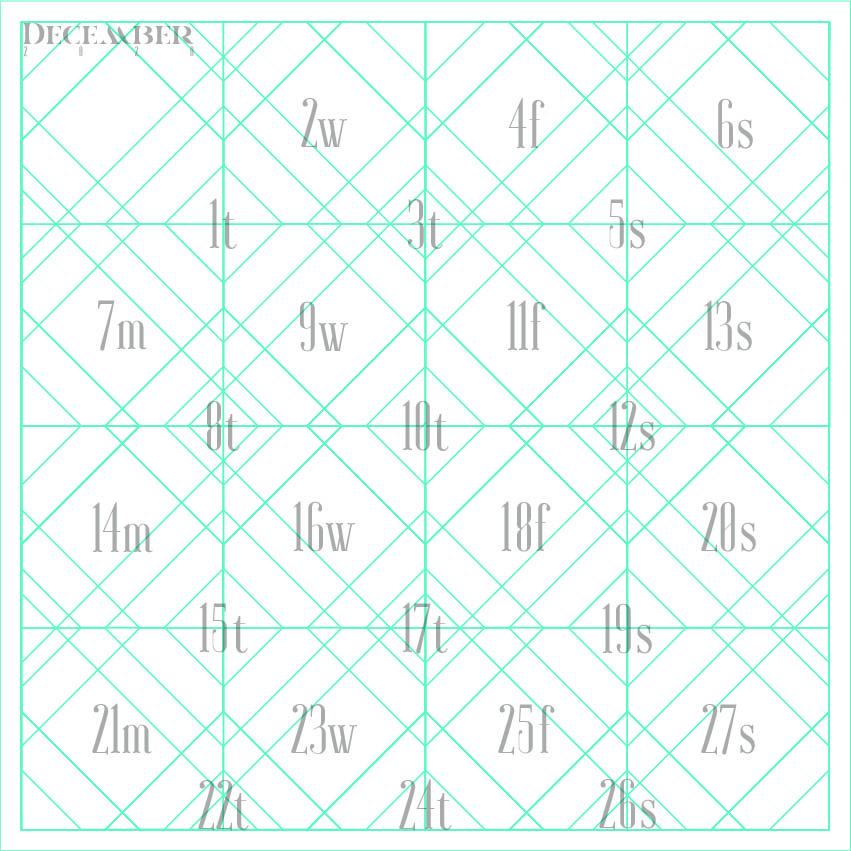
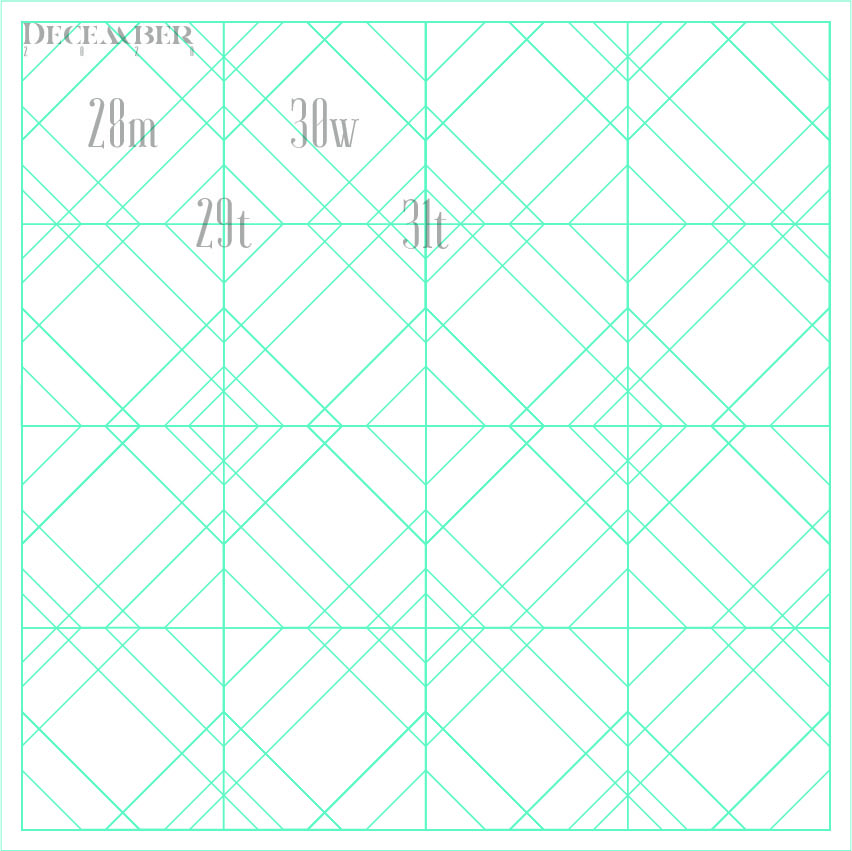
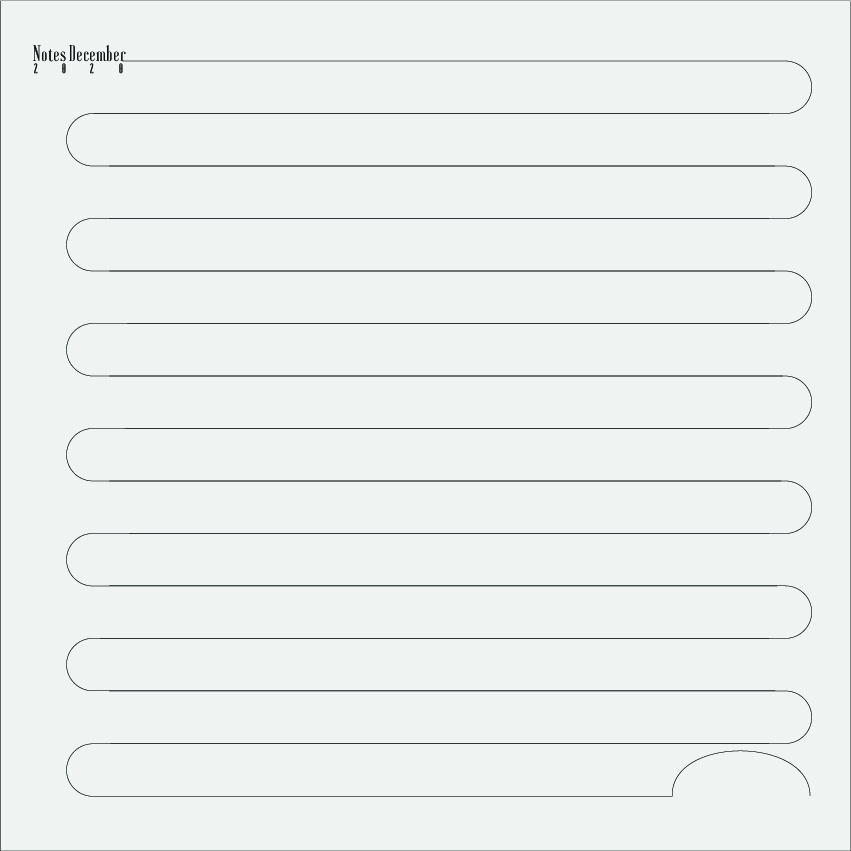
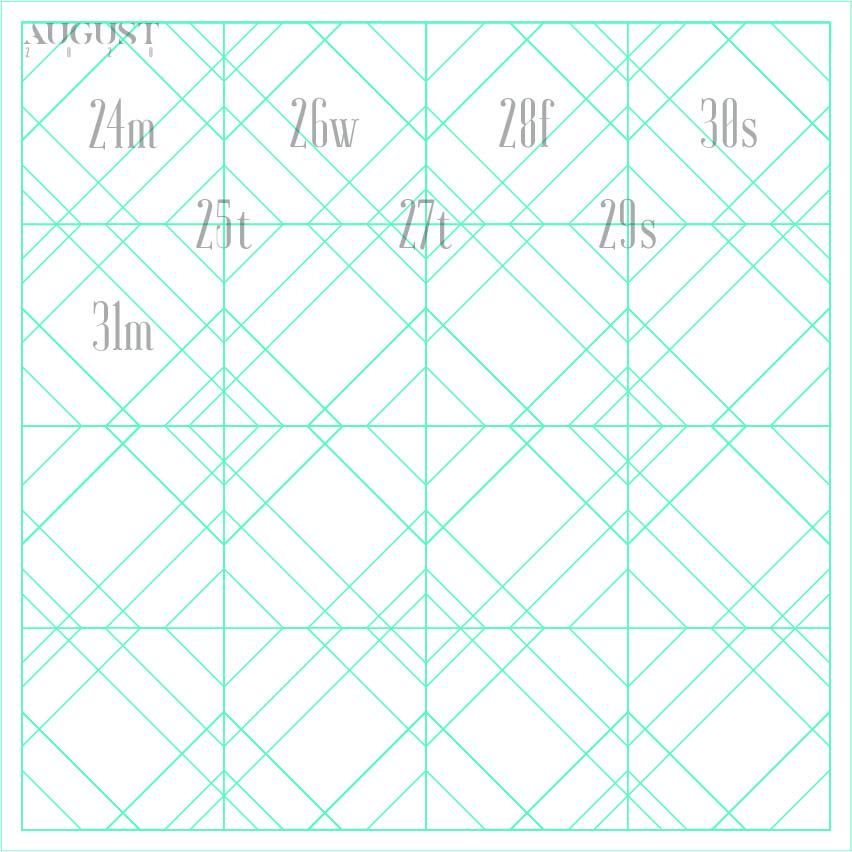
DeCALENDAREditorial & calendar design

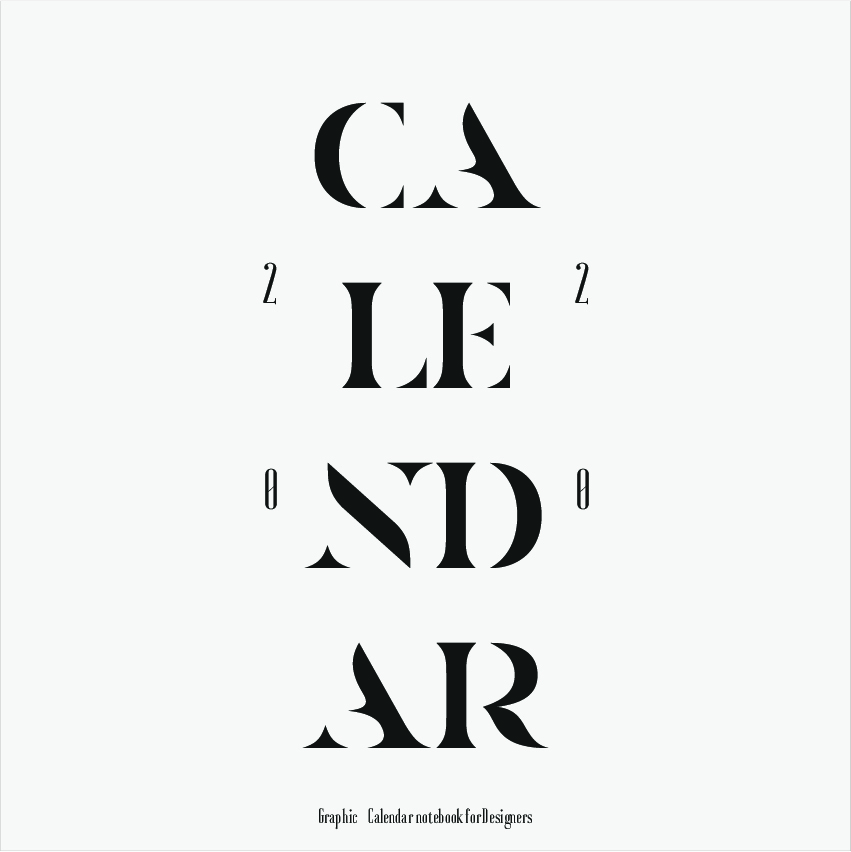
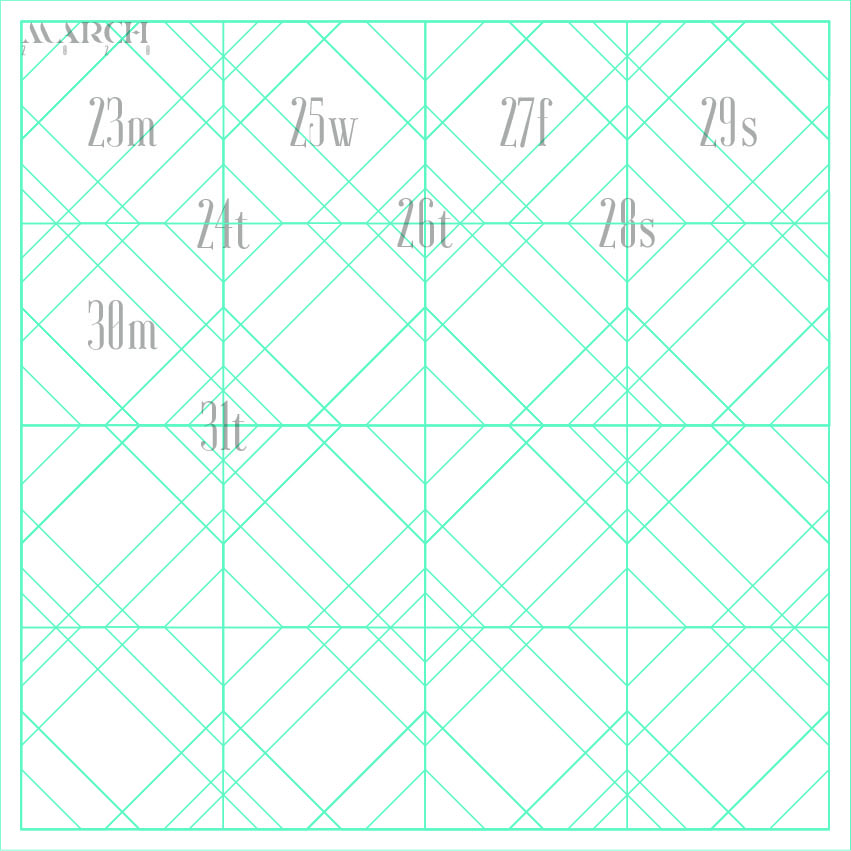
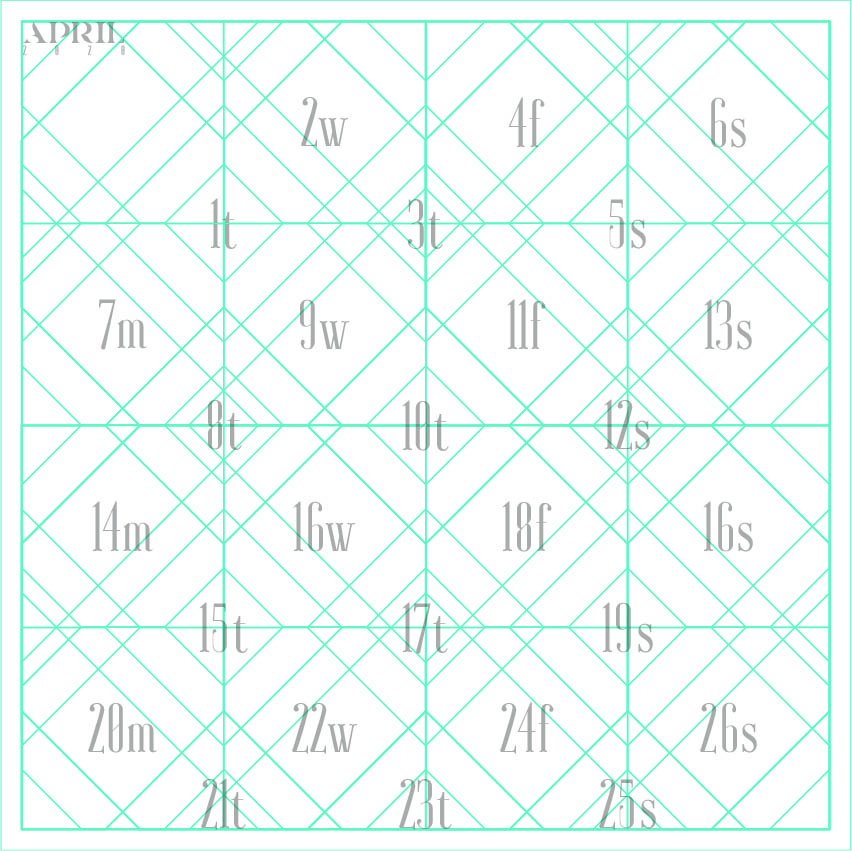
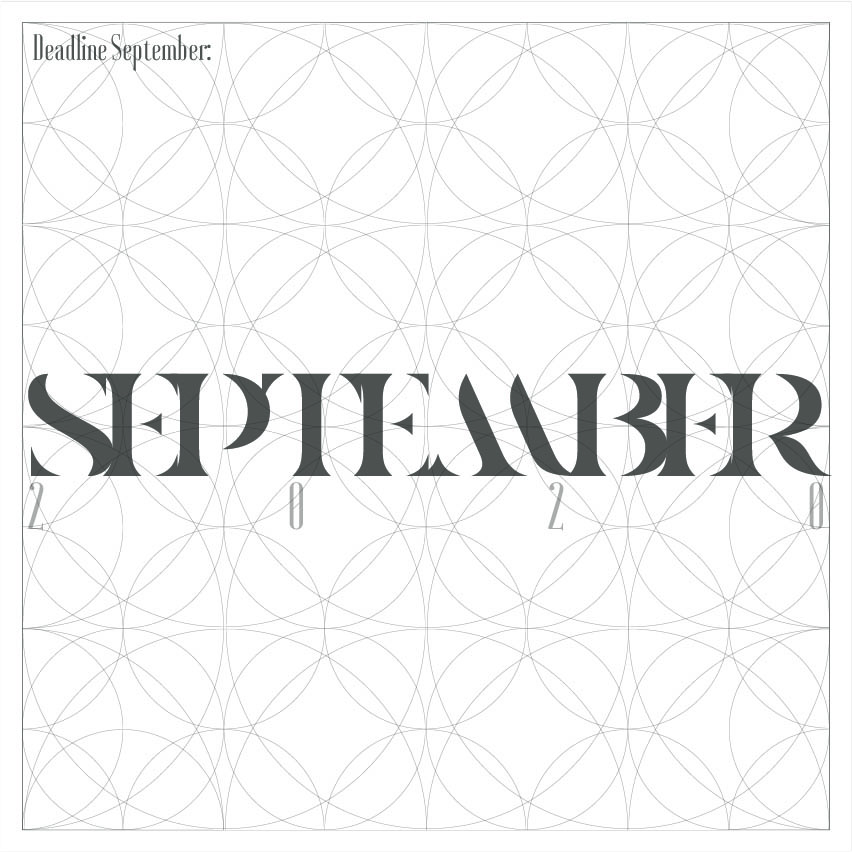
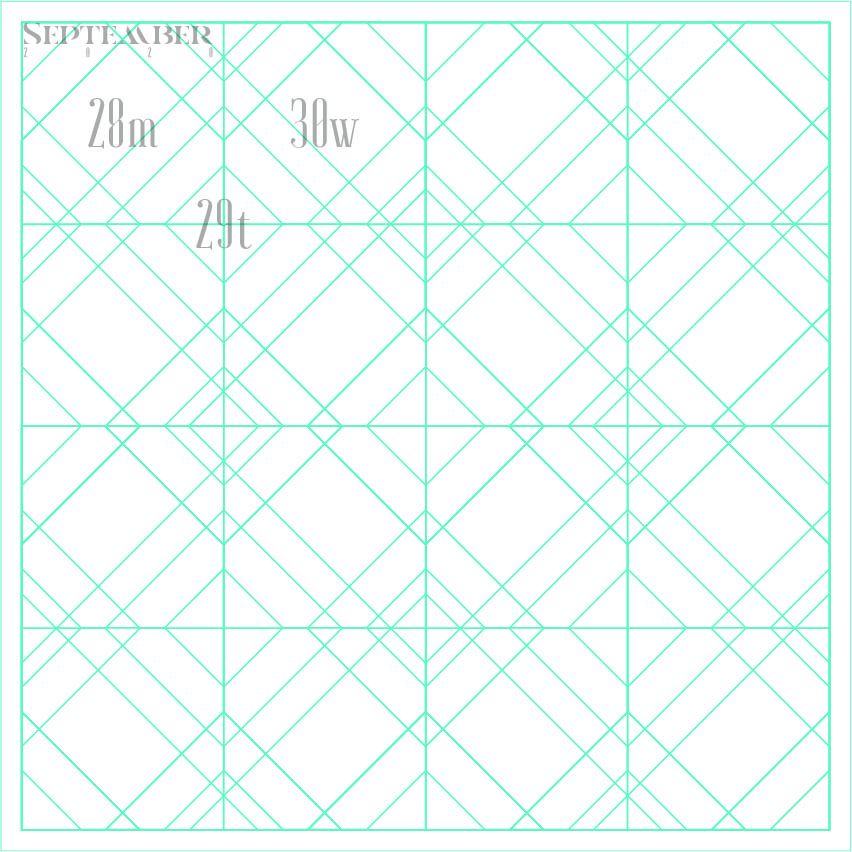
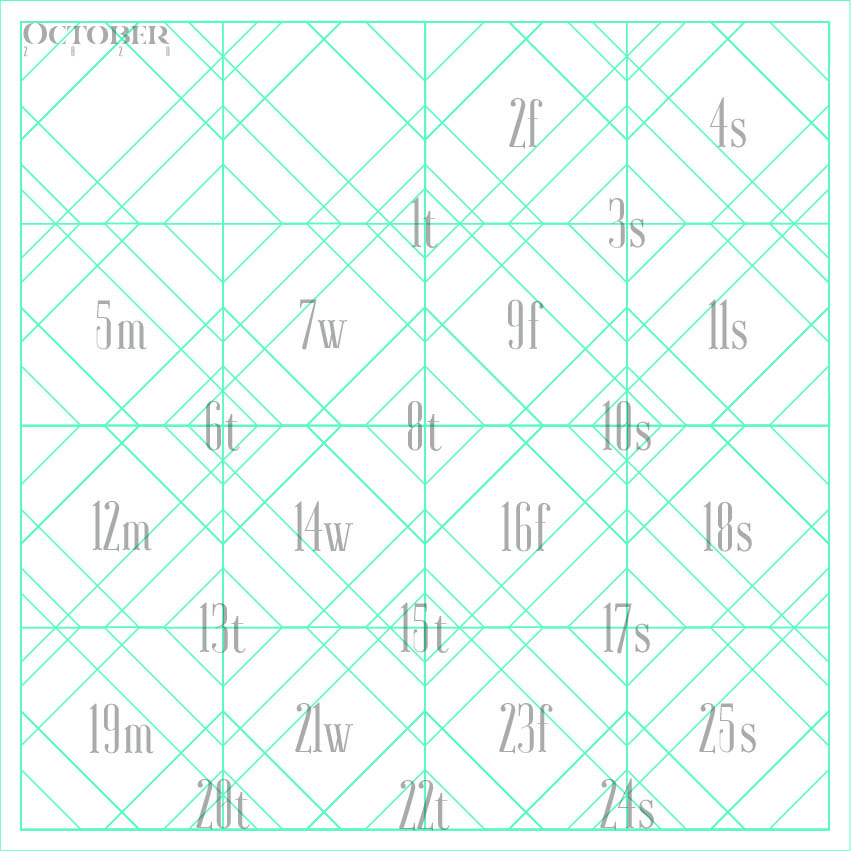
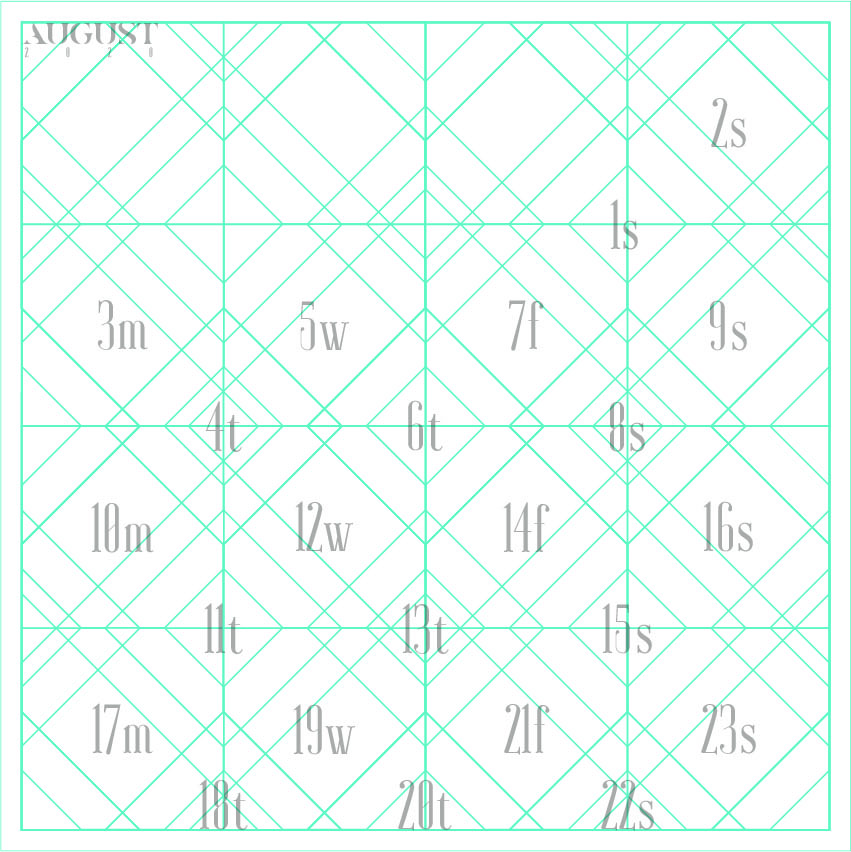
A calendar design project for graphic designers and other creatives. Daily organisation becomes part of a typographic system that connects every page of the publication.

Explore the visual presentation
NG 11 C / DeCALENDARDESIGN BY NILLY GRAPHICS
DeCALENDAR — Editorial & calendar design
DISCIPLINE
Editorial & calendar design
DESIGN
Sotiris Christos / Nilly Graphics
PRESENTATION
85 project images

01 / DESIGN DIRECTION

Time as a typographic composition

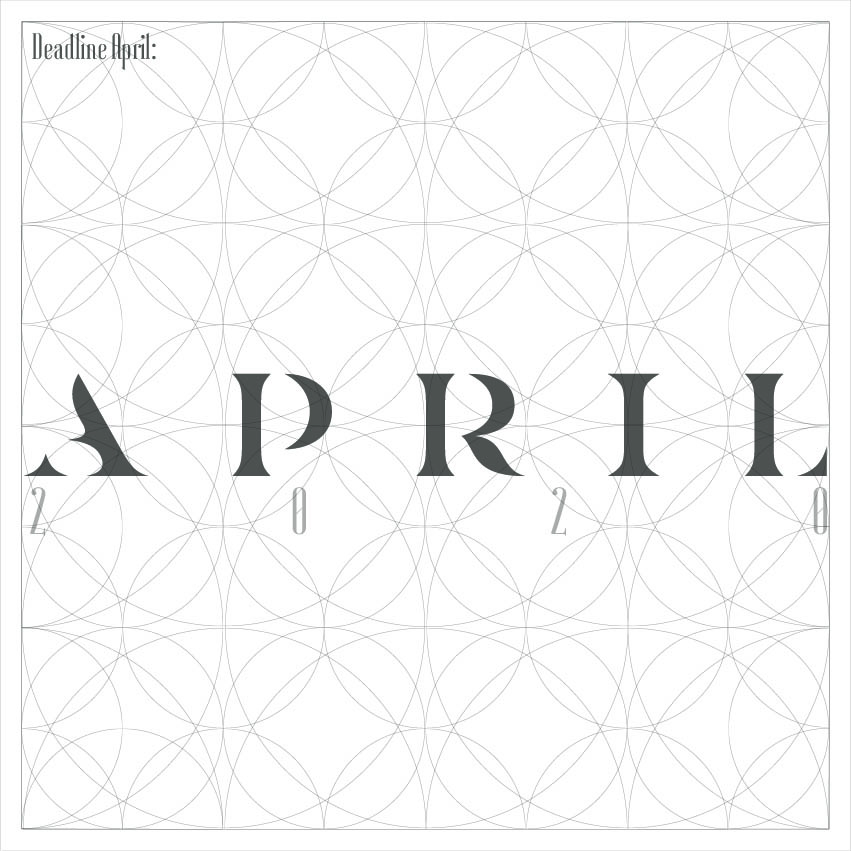
Dates, information and open space follow a clear hierarchy. Typography leads the cover and organises the relationship between labels and page fields.

02 / VISUAL LANGUAGE

Space for creative work

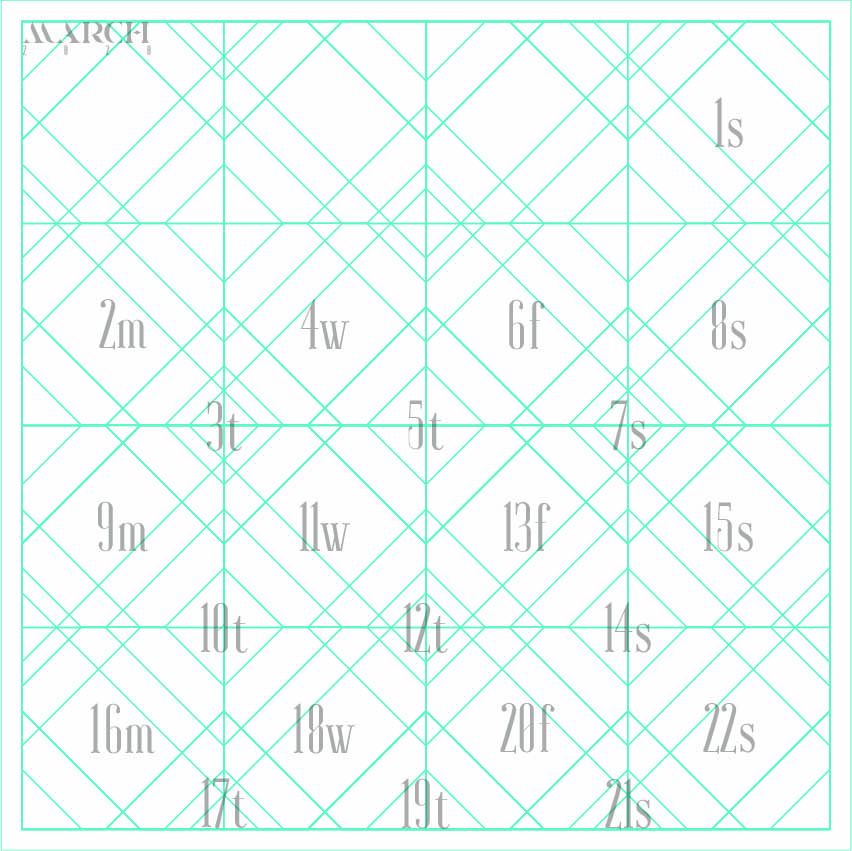
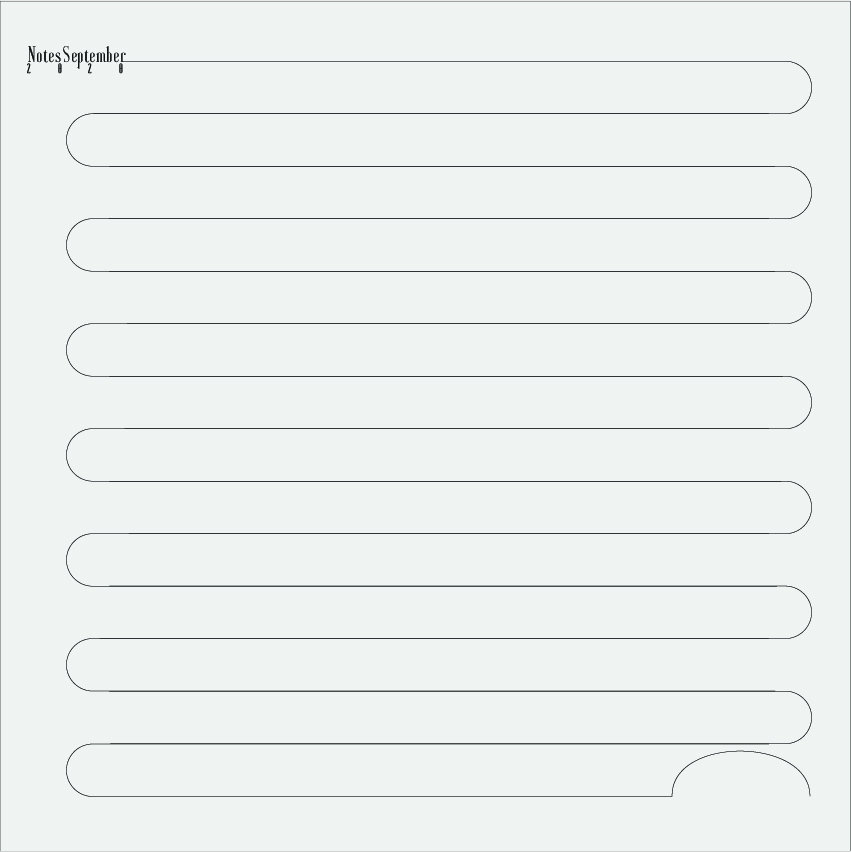
Planning pages are combined with notes, lists and space for sketches. References to deadlines, feedback and brainstorming connect the calendar with creative practice.

Explore the complete collection78 more images

03 / APPLICATIONS

A complete editorial system

The collection presents the cover and interior pages, showing how typography, layout and a consistent visual language work across an extensive publication.

YOUR NEXT PROJECT

The next idea
deserves character.

NEXT PROJECT / NG 12 CD&G LTDBrand identity & web design

NILLY NG 23 CTYPE DESIGN / PORTFOLIOAll projects

CHARACTERS / FORM / EXPRESSION

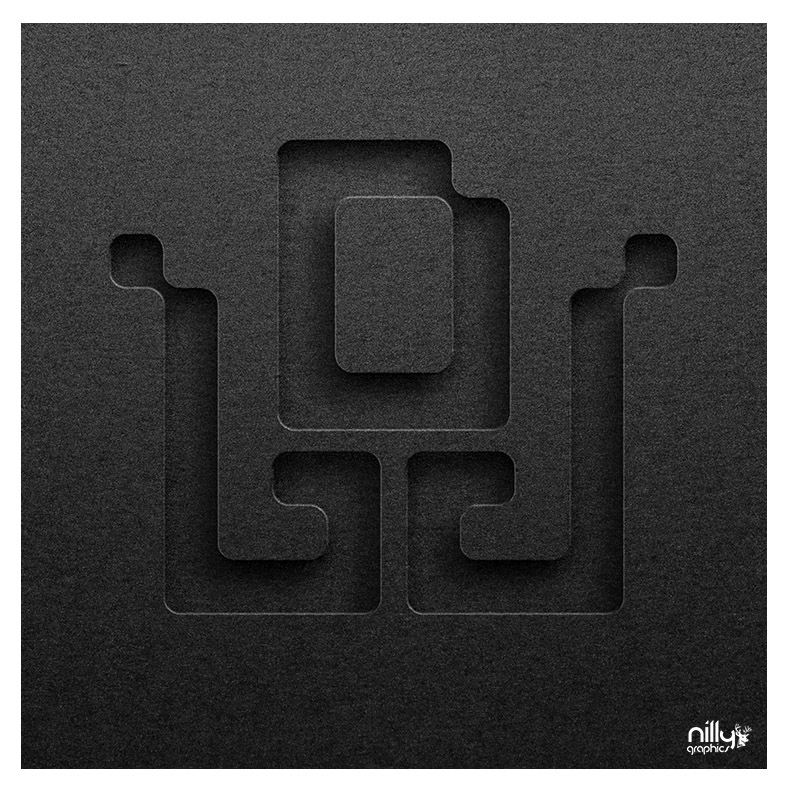
NP Sq SpaceGeometric typeface design

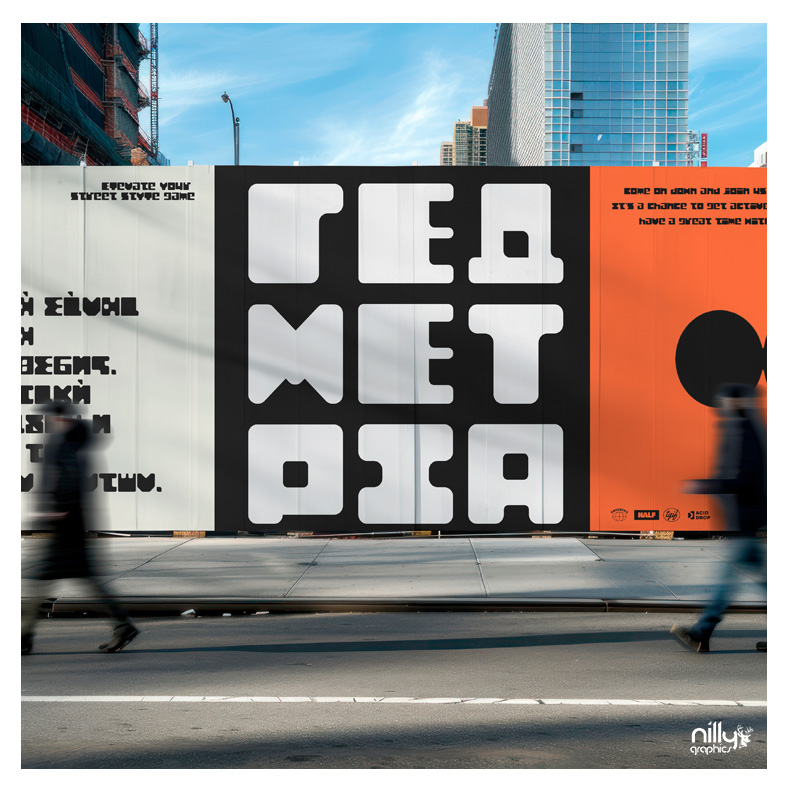
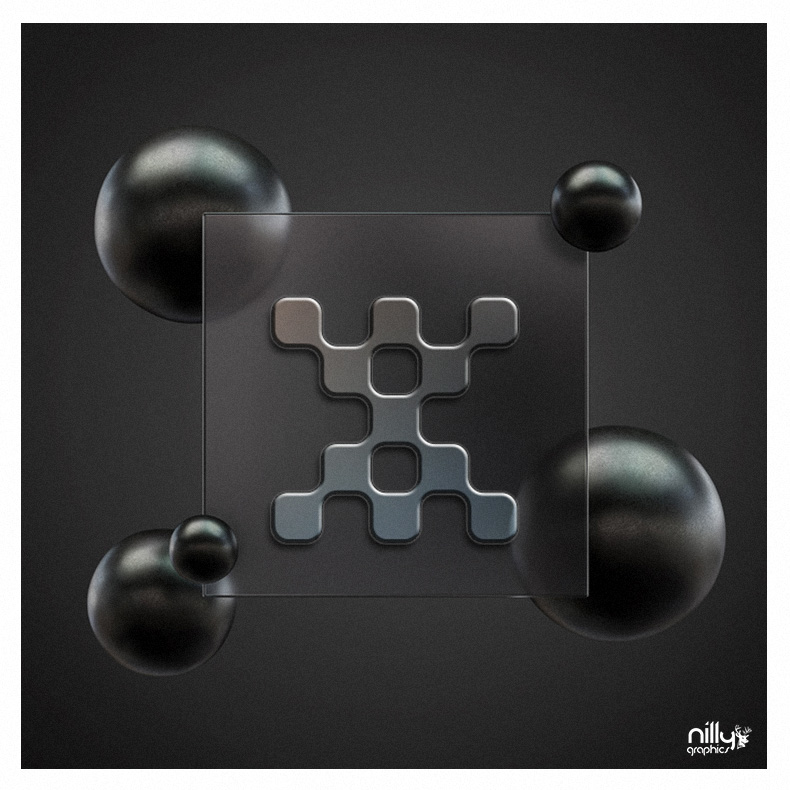
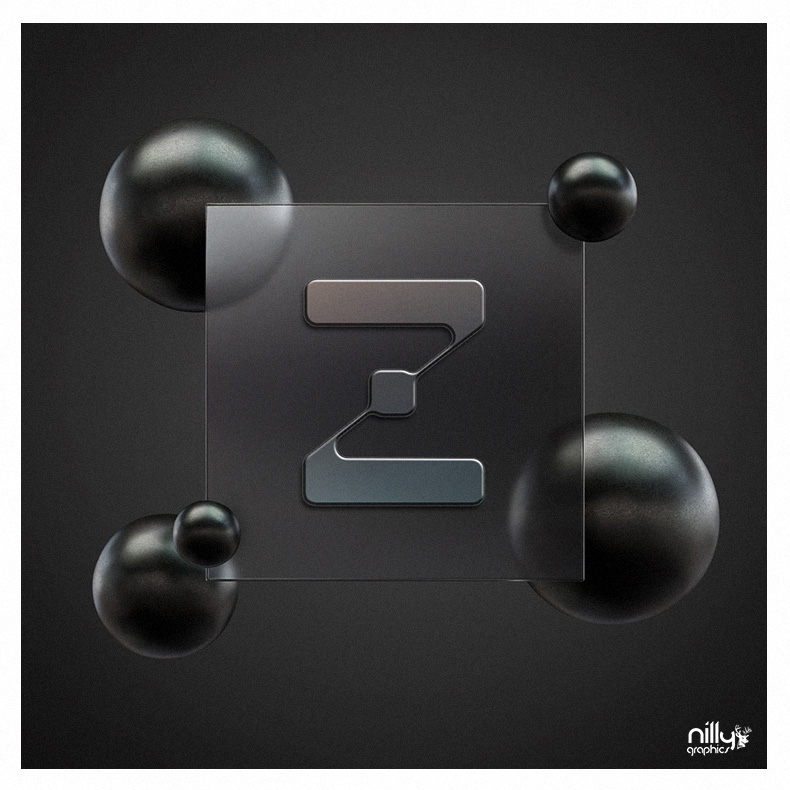
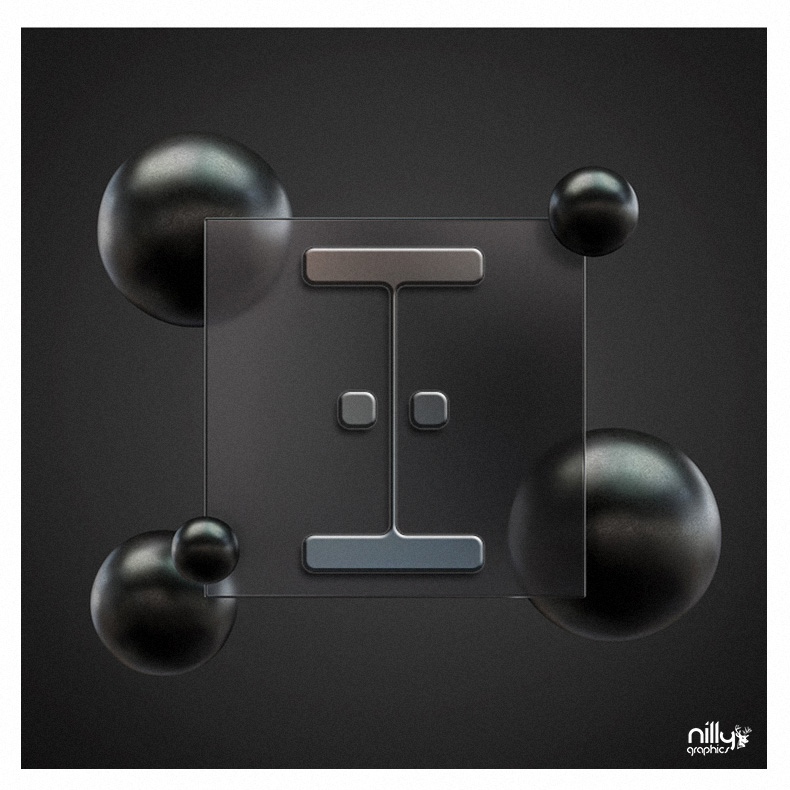
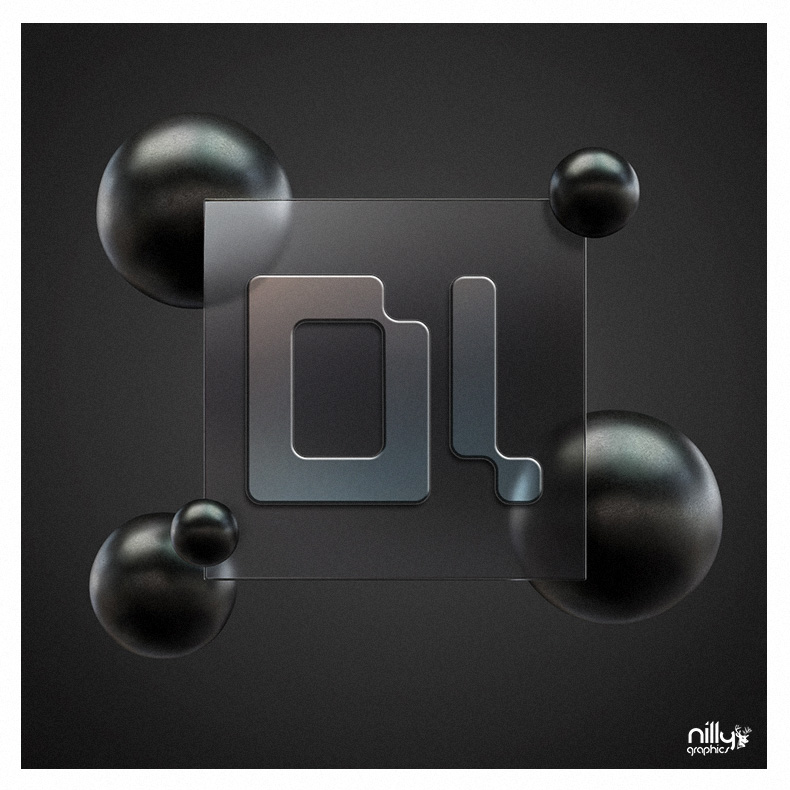
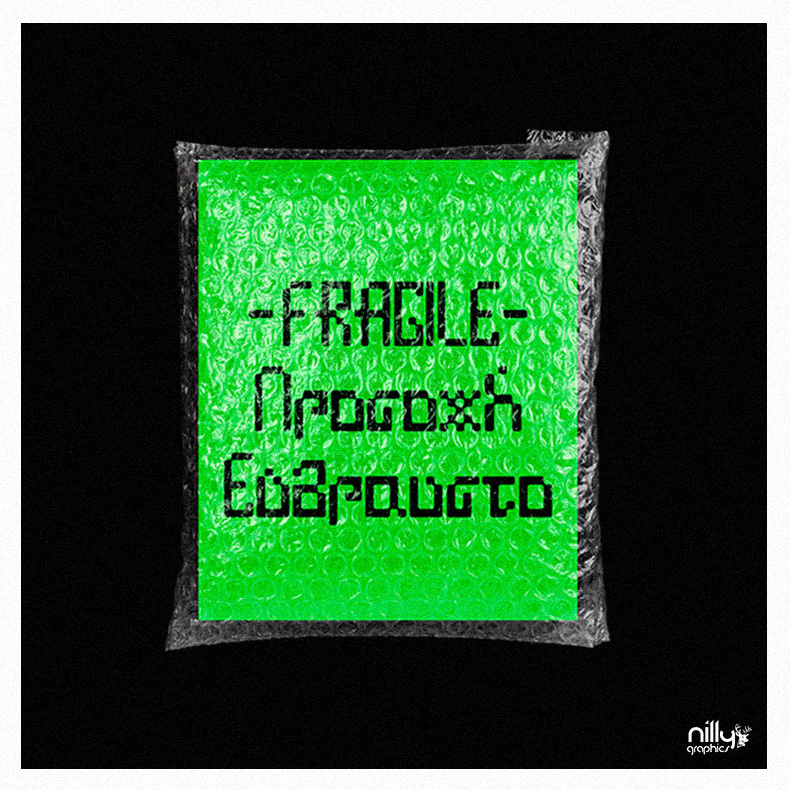
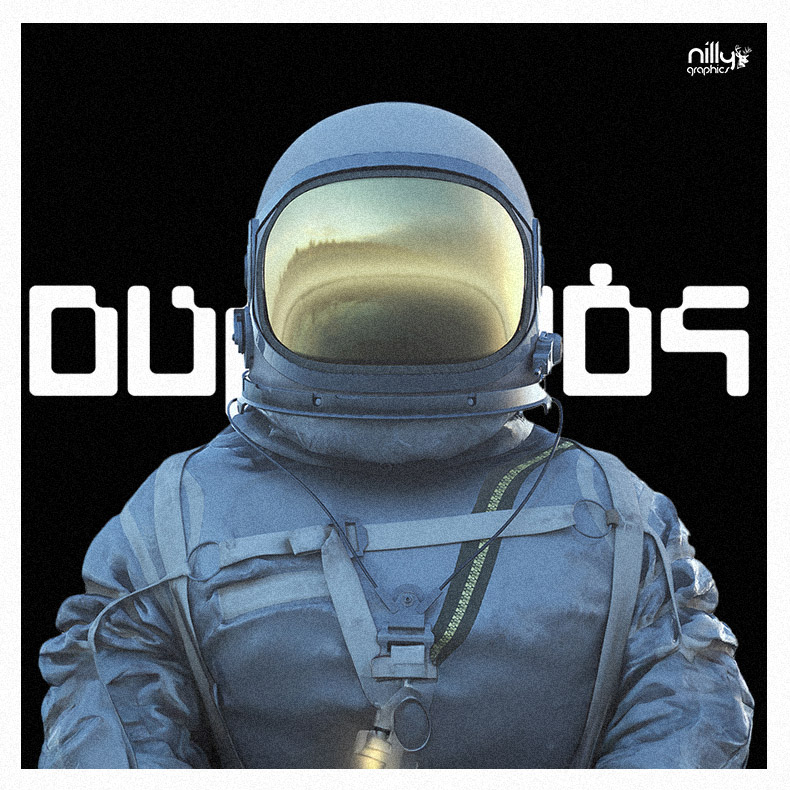
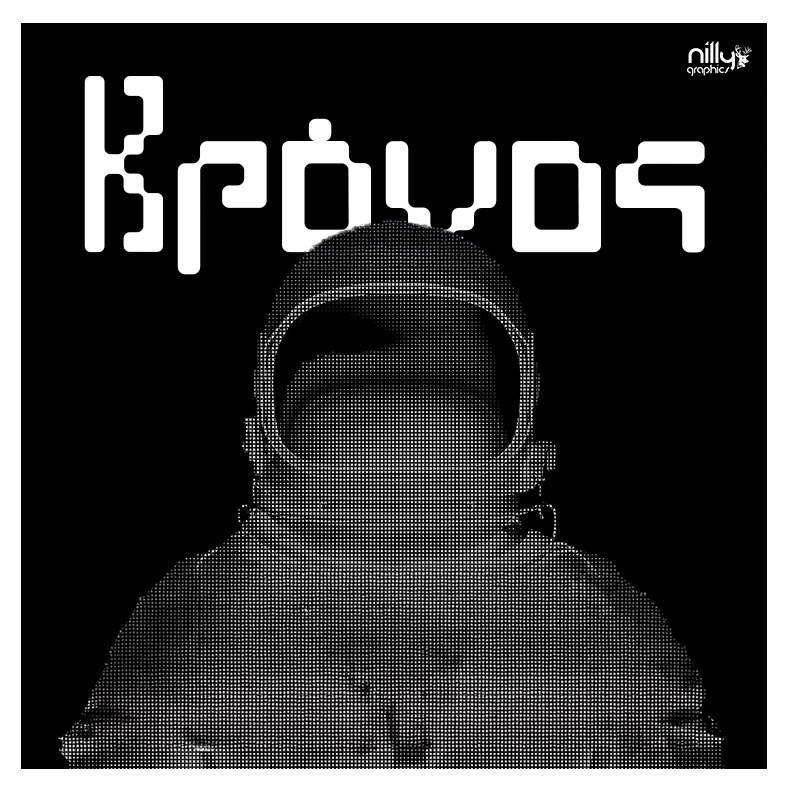
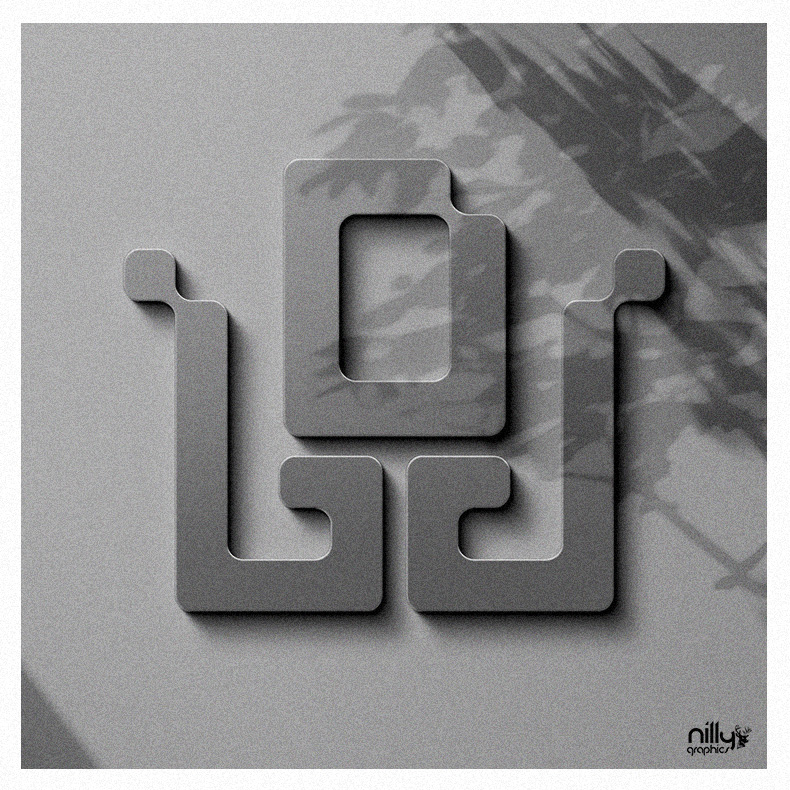
A geometric typeface with squared forms and rounded corners. Solid characters organise the space of a composition through their volume and internal openings.

Explore the visual presentation
NG 23 C / NP Sq SpaceDESIGN BY NILLY GRAPHICS
NP Sq Space — Geometric typeface design
DISCIPLINE
Geometric typeface design
DESIGN
Sotiris Christos / Nilly Graphics
PRESENTATION
21 project images · Regular

01 / DESIGN DIRECTION

Solids and counters

The relationship between filled areas and internal spaces defines the typeface. Softened corners keep the overall outline structured at large scales.

02 / VISUAL LANGUAGE

Type as a material object

Relief and material treatments use light and shadow to reveal the edges of each character beyond a flat typographic specimen.

Explore the complete collection14 more images

03 / APPLICATIONS

The typeface presentation

The project includes character design and visual applications. The product page describes the available Regular and Regular SVG TTF files and presentation PDF.

AVAILABLE IN THE SHOP

NP Sq Space

View file formats, licensing and the full product details.

YOUR NEXT PROJECT

The next idea
deserves character.

NEXT PROJECT / NG 24 CNP Forma CinqueGeometric display typeface design